
Authorised family members
Open your own personal link, enter your PIN, then send a message or photos for that resident only.
Family Portal is a private space for one nursing home and the relatives that home has authorised. Each person receives their own link and a six-digit PIN. It is not Clinical, and it is not the Employee Portal.
Who it is for
A job title does not open Family Portal. Each person uses the door that belongs to them.
Open your own personal link, enter your PIN, then send a message or photos for that resident only.
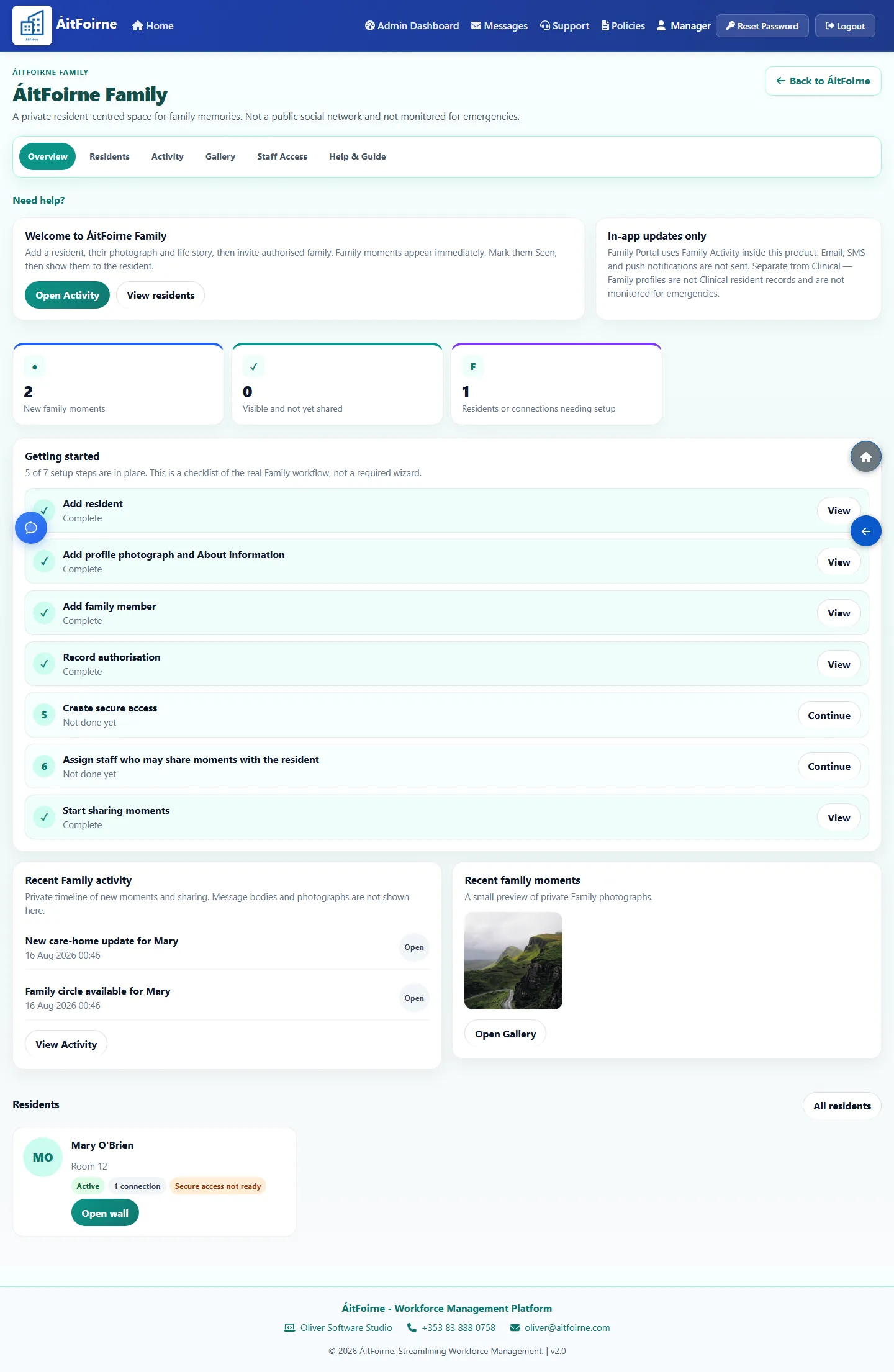
Open Family Portal from ÁitFoirne, add the resident, authorise a relative, and issue the link and PIN.
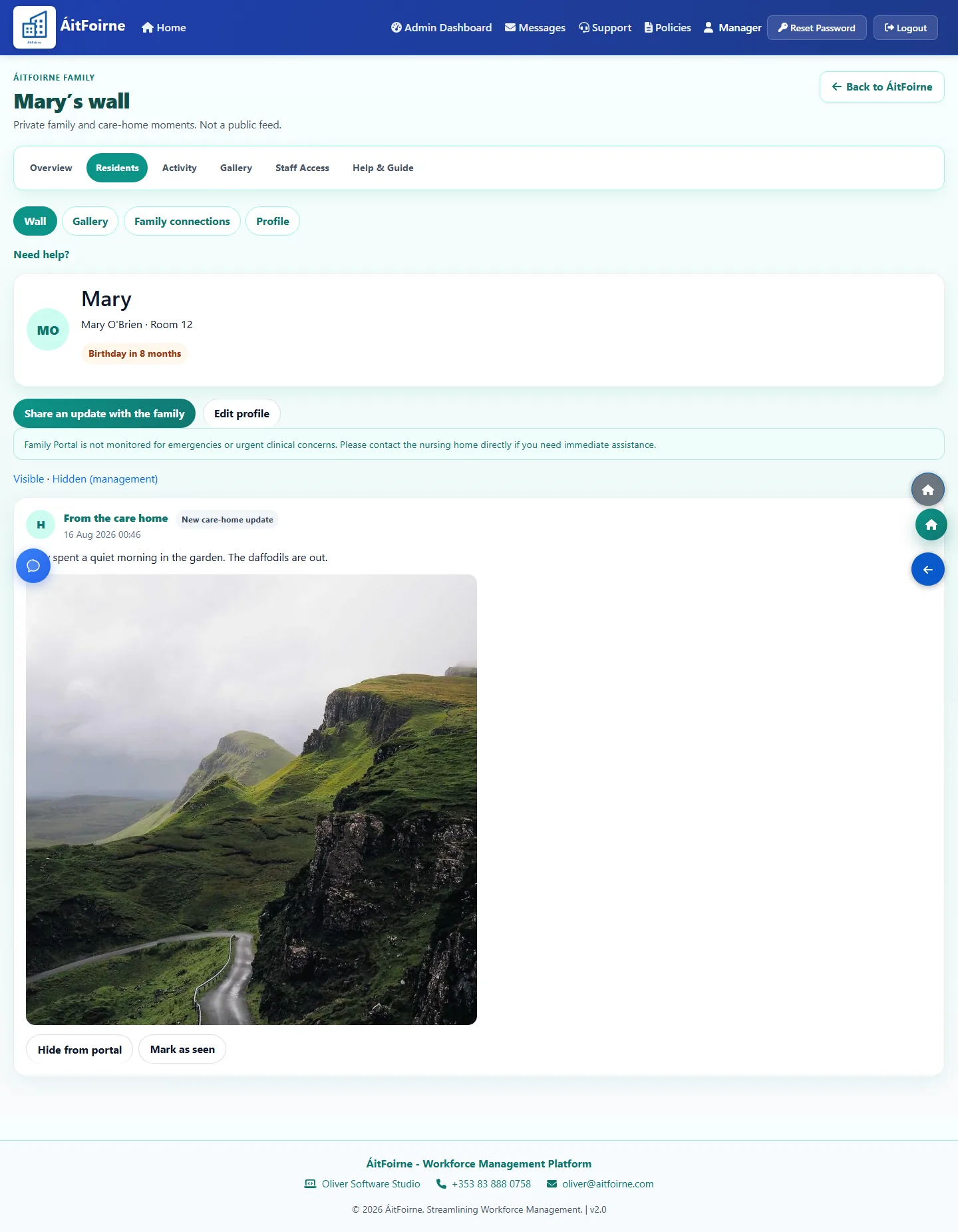
Assigned staff can show a family moment to the resident, and a Coordinator can post a care-home update for that person.
Product tour
Real product screens from the ÁitFoirne demonstration home. Screens shown with fictional demonstration data.
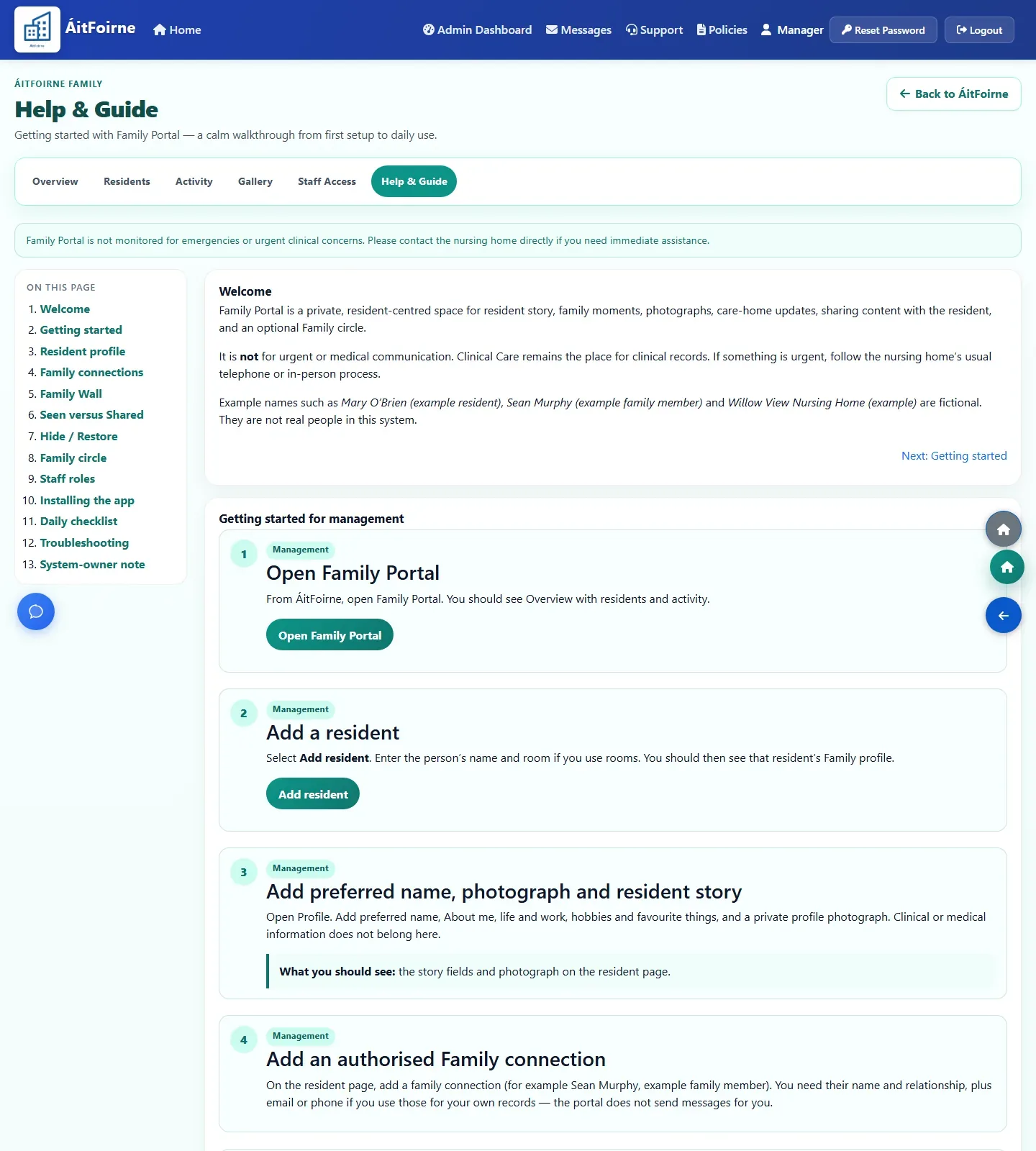
A manager opens Family Portal from ÁitFoirne, adds a Family resident, and names each relative. This is a Family profile, not the Clinical file.
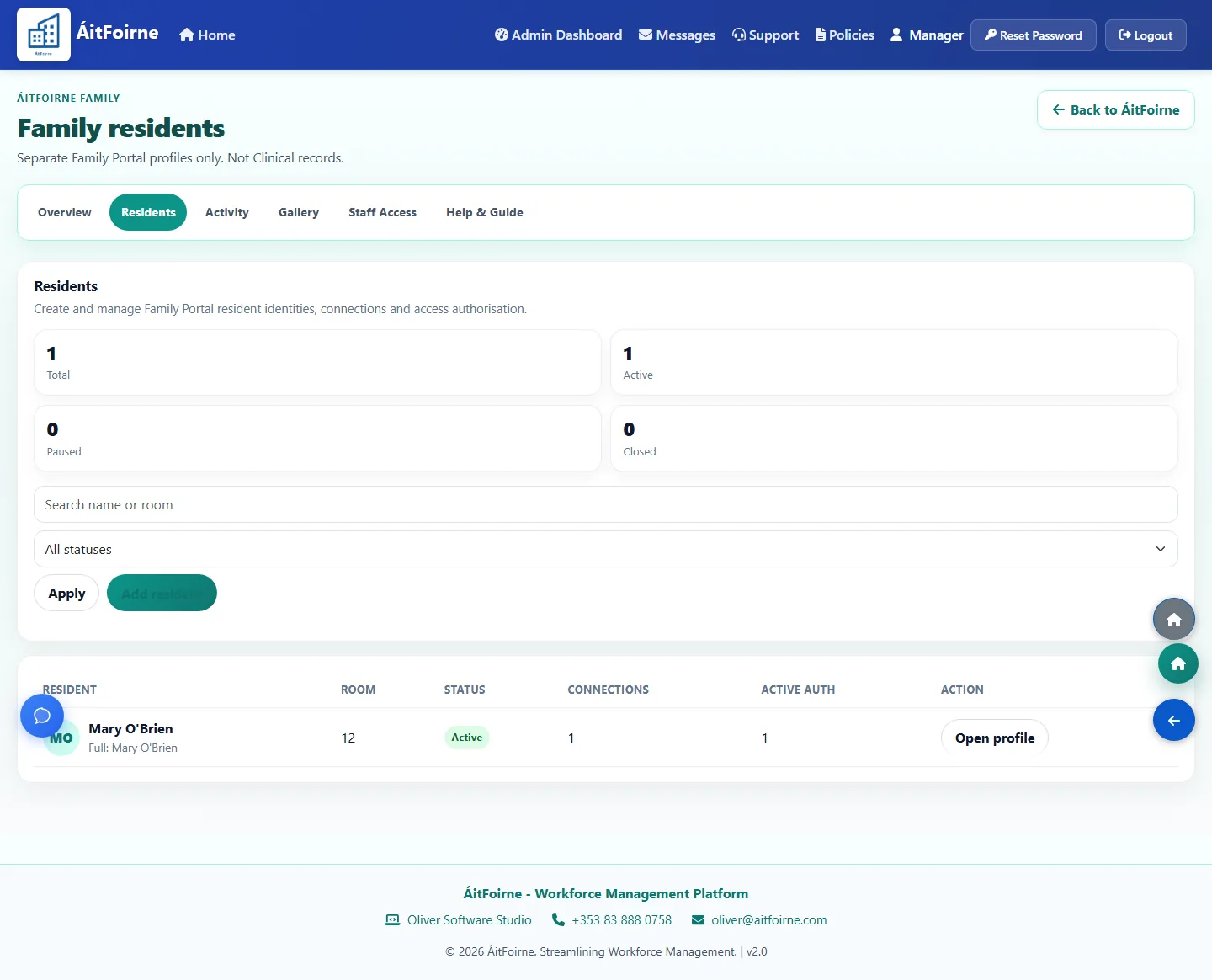
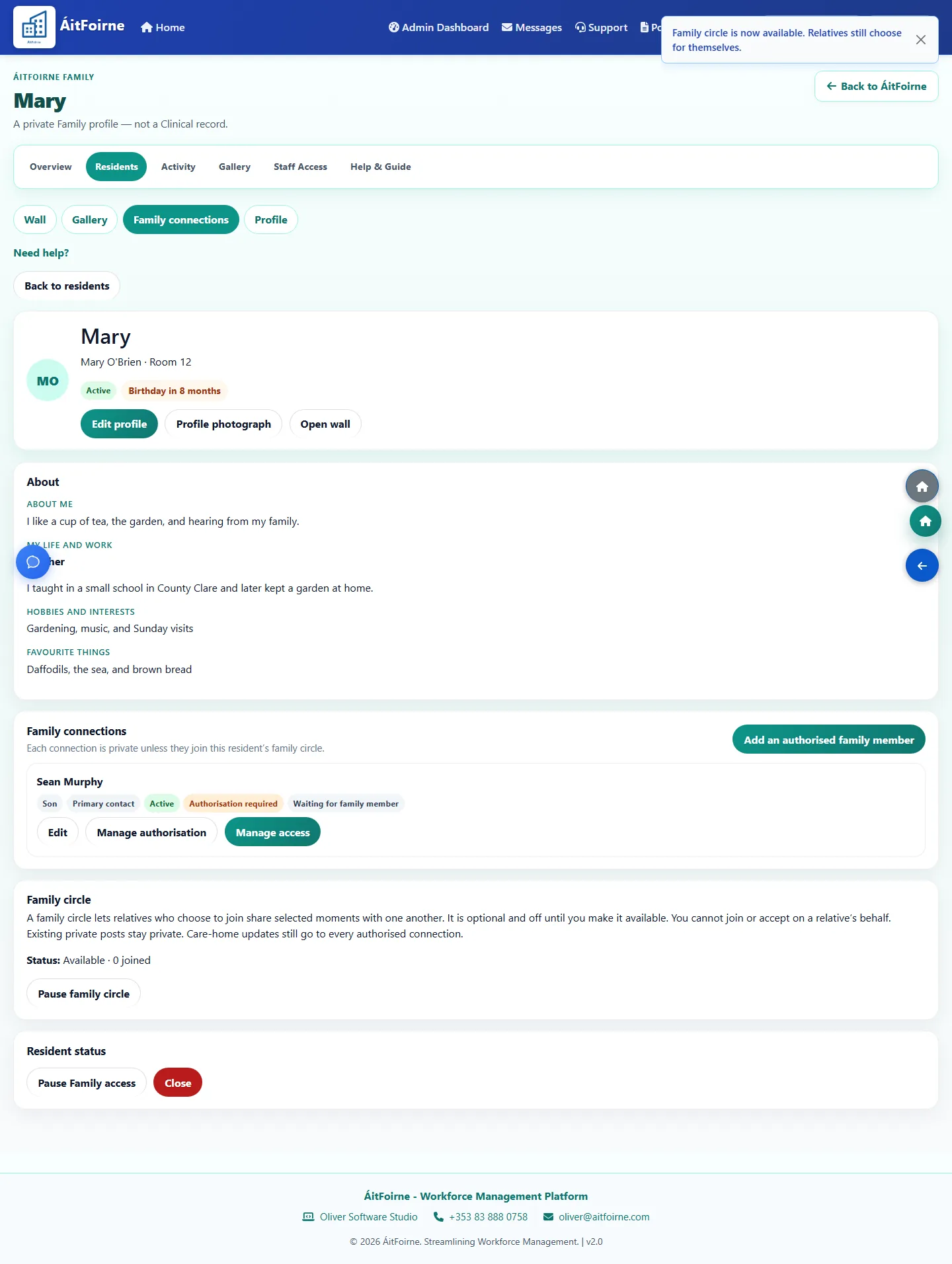
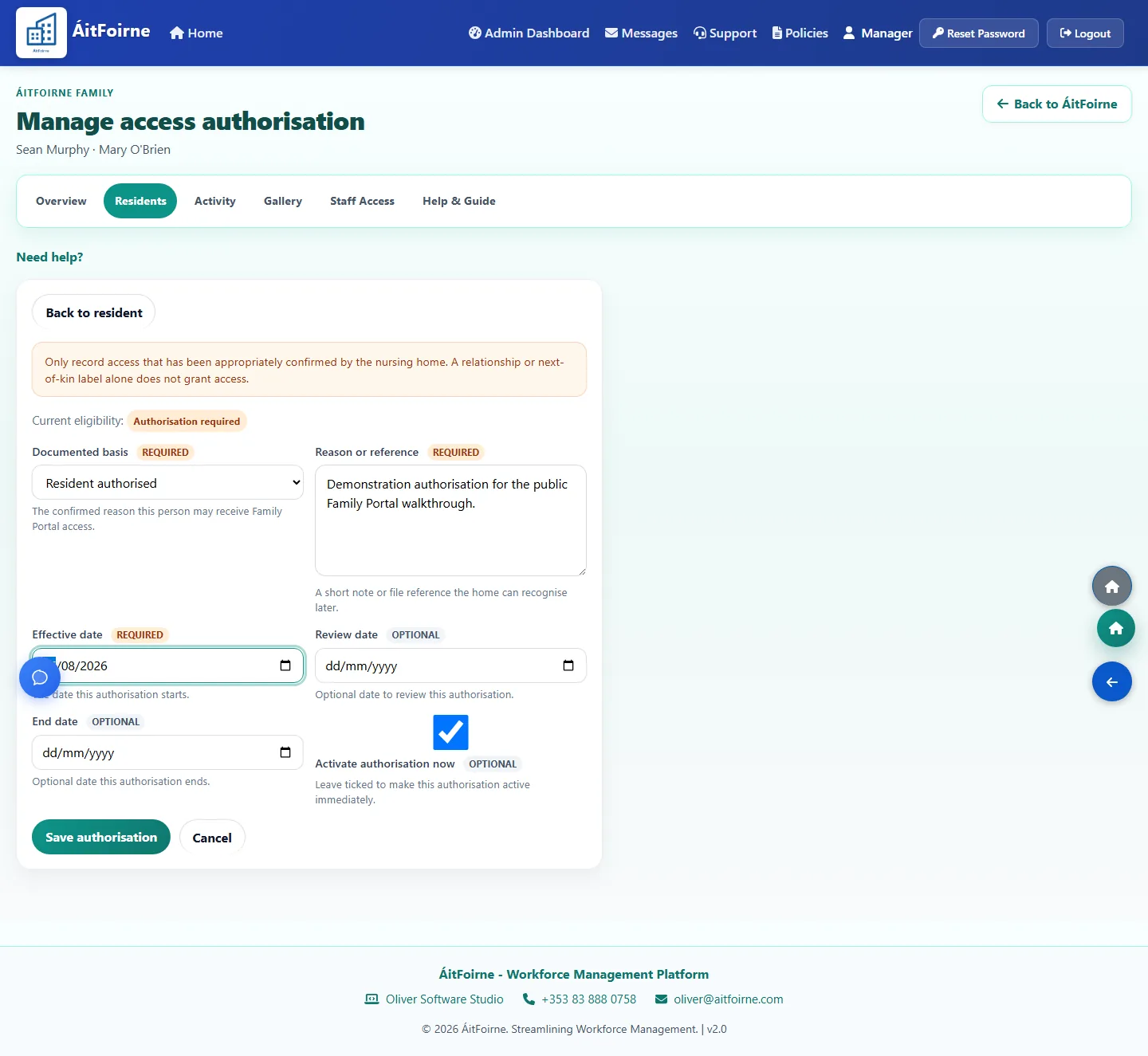
A relationship label such as son is only a description. Access is a separate yes. The six-digit Family PIN is shown once, then the relative opens their own personal link.
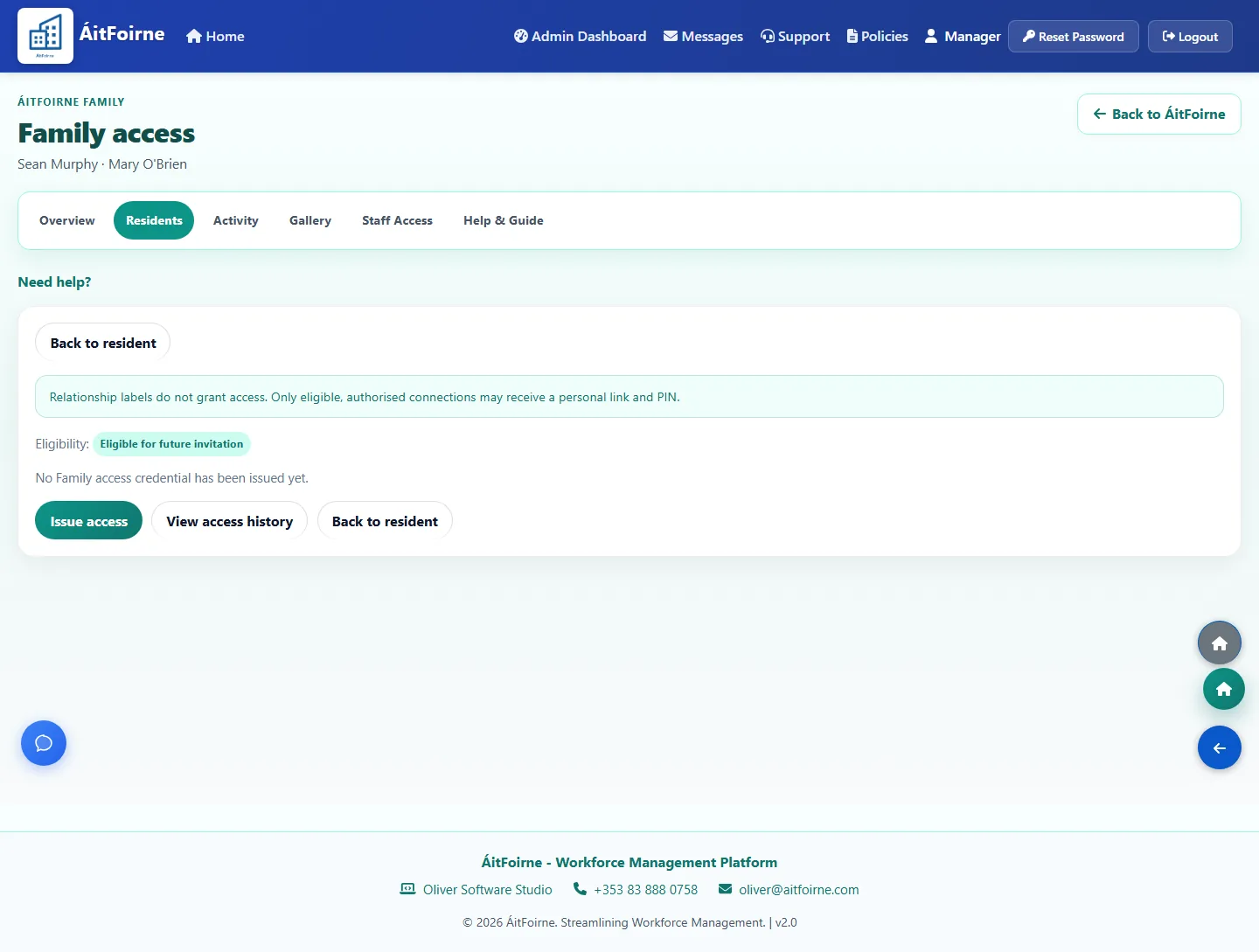
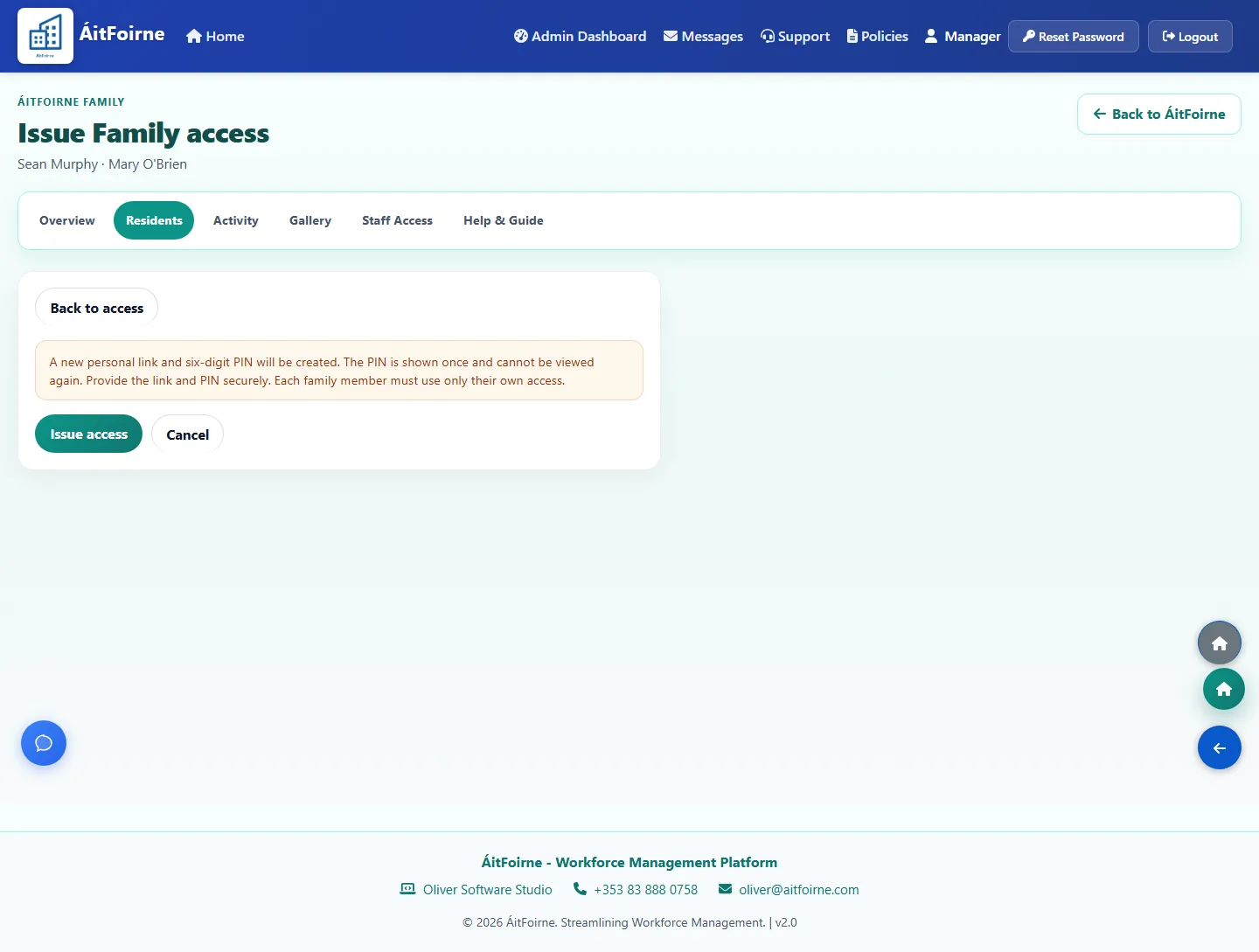
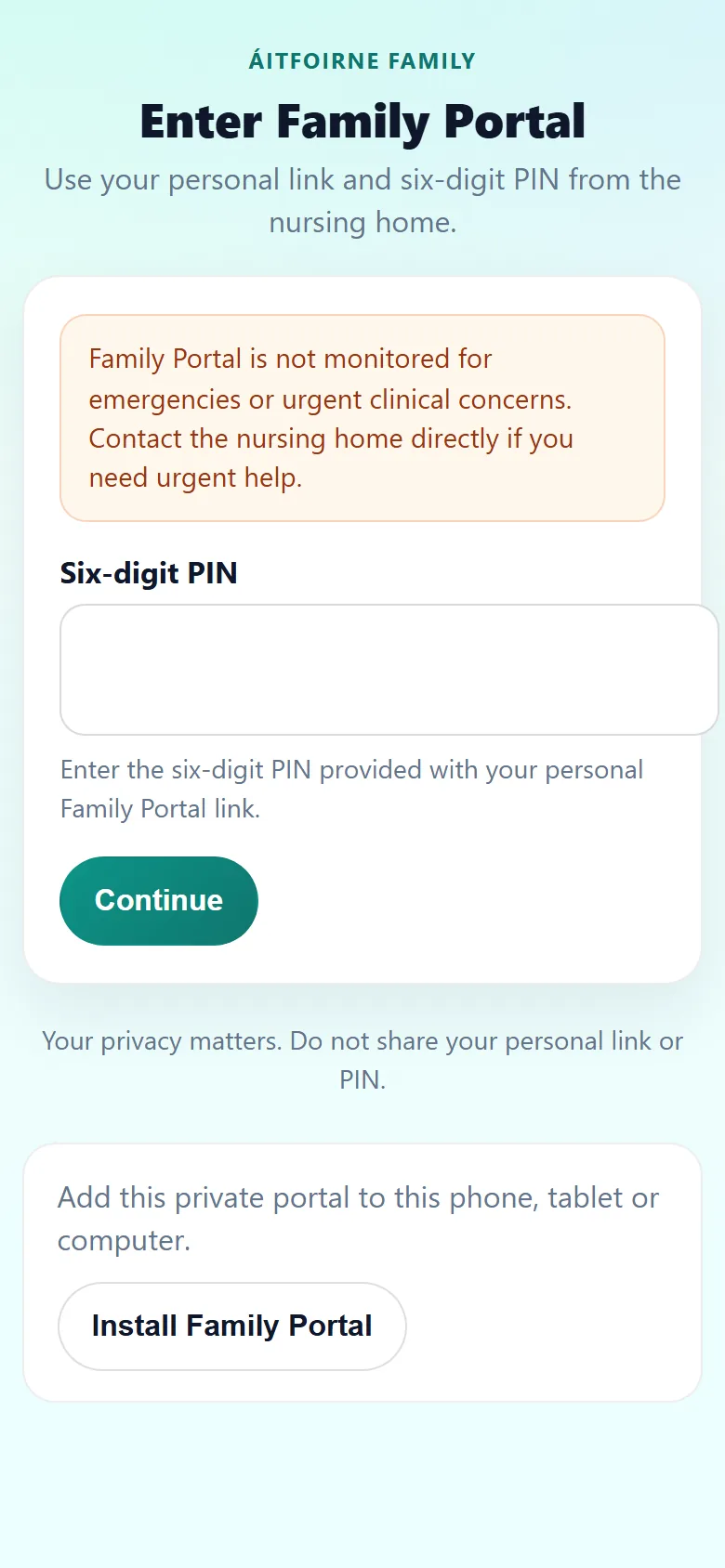
The home can post a resident-specific update. A family member can send a message and up to five photos. Staff can then show that moment to the resident.
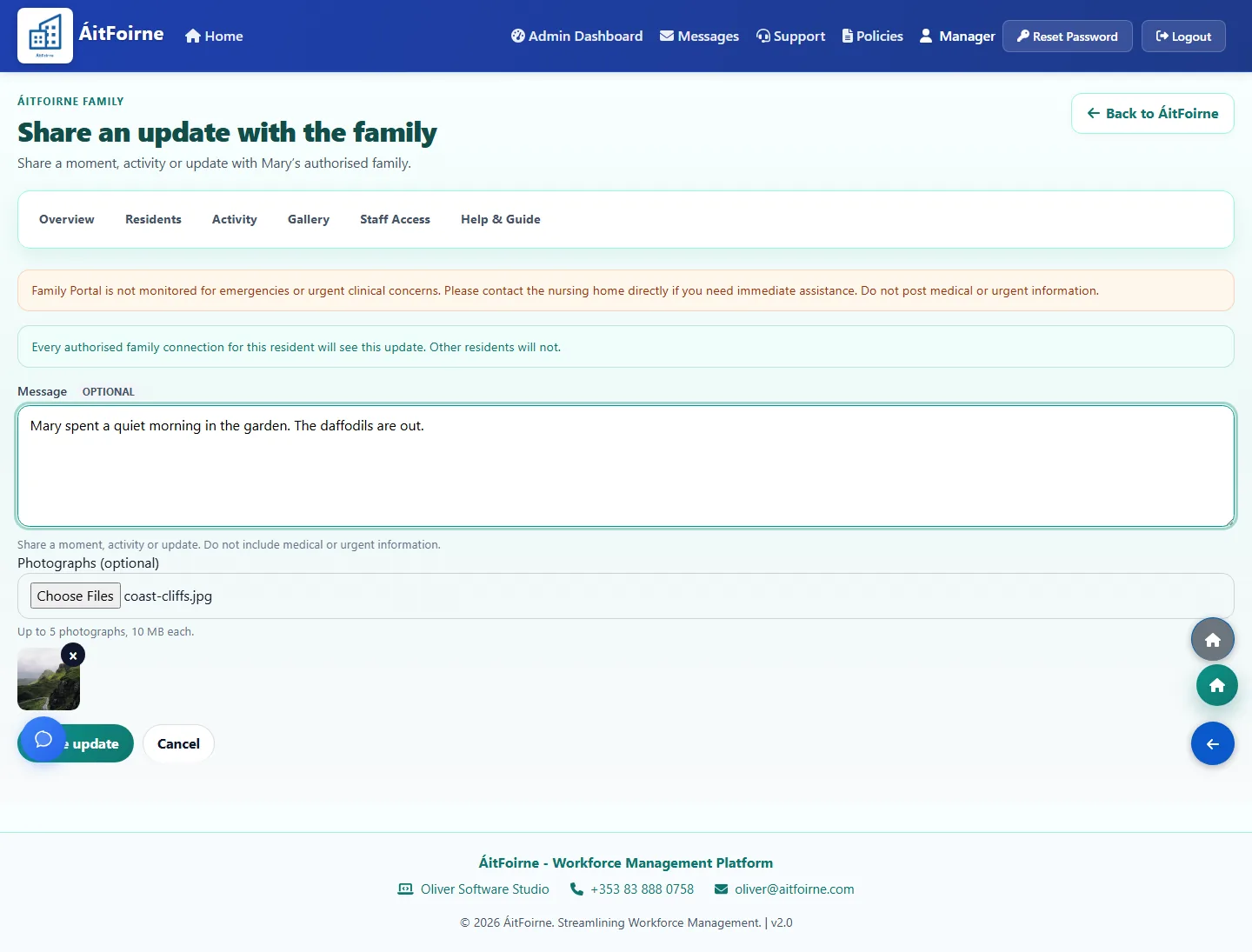
From the home to the family
The home sets up access first. The relative then uses only their own link and PIN.
This is a Family record. It is not the Clinical file and it does not copy medical notes.
A relationship label such as son or daughter is only a description. Access is a separate yes.
The six-digit PIN is shown once. Give it privately to that person. Never put it on a notice board.
This is not an App Store app. It is a private web page. Installing it on the phone does not skip the PIN.
Up to five photos can go with a message. Another relative of the same resident does not see this private post unless Family Circle is used and both people have joined.
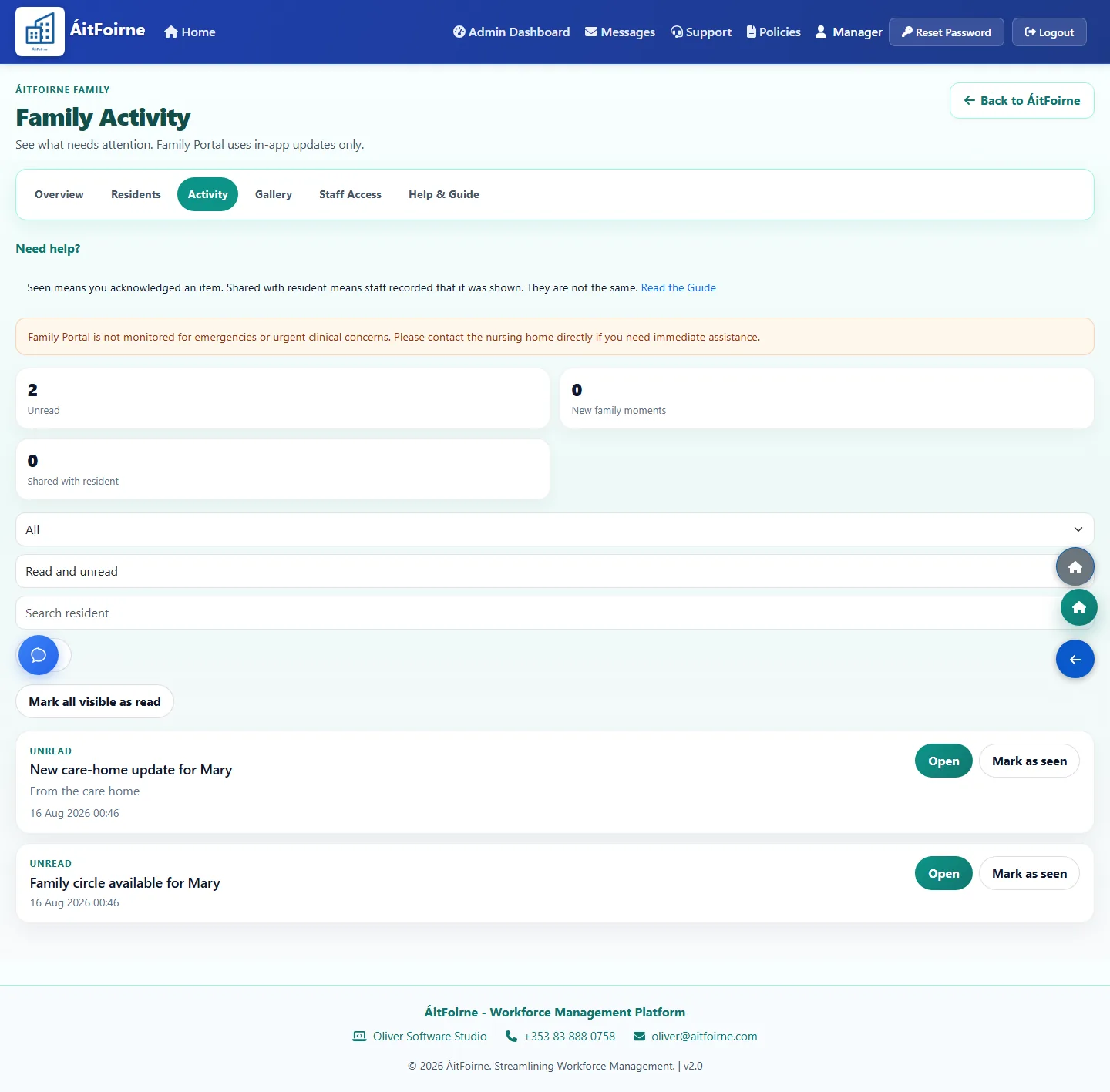
The home sees an in-app update. Family Portal does not send an email, text message or phone alert.
Staff can record Shared with the resident. That means it was presented. It does not mean the resident read, understood or enjoyed it.
Inside Family Portal
The family member sees a simple private wall. The home sees the residents, connections, activity and staff tools that keep that wall safe.
Each authorised relative receives their own private Family Portal link. It is not a shared family login.
The PIN is separate from the Time Clock PIN and from any ÁitFoirne staff password.
Send a short message to the home about that resident.
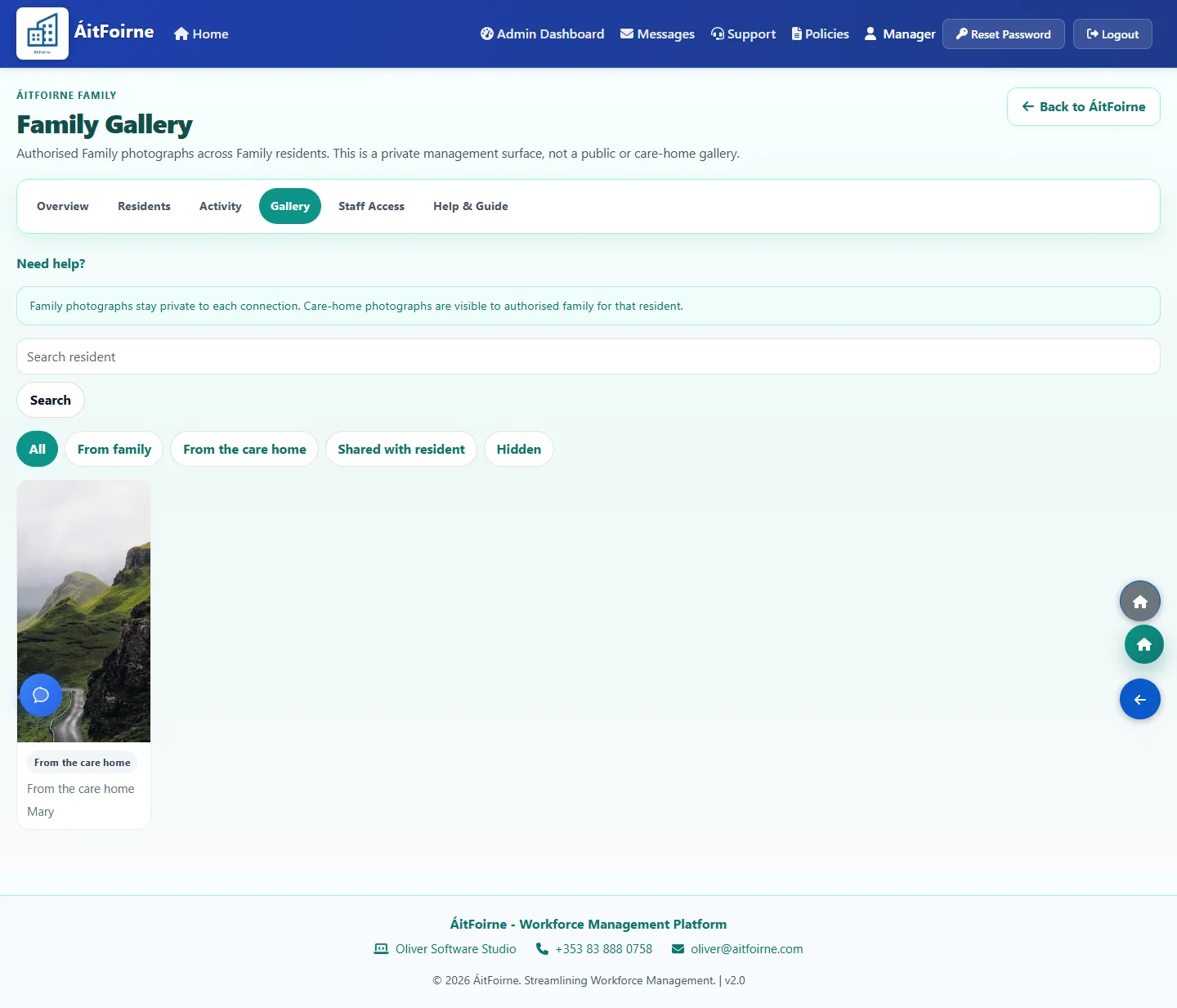
Send up to five photos with a message. Photos stay private to that connection.
See in-app updates such as We received your message, or Shared with the resident.
A private gallery of photographs from this connection only.
Add the private portal to a phone or tablet. Installing it does not keep anyone signed in.
Leave the session so the next person must enter their own PIN.
A Family resident record is separate from the Clinical file. It holds the story the family may see, not diagnoses or care plans.
Name each relative and keep a descriptive relationship. The label does not grant access by itself.
Access is an explicit record. A son or daughter label is not enough on its own.
Issue, rotate or revoke the personal link and PIN. The PIN is shown once.
The home can post a resident-specific update. It is not a broadcast to every family in the building.
Staff can record that a moment was shown to the resident. That does not mean the resident read or understood it.
An in-app inbox for the home. Family Portal does not send email, text messages or phone alerts.
An optional, consent-based circle among relatives of one resident. It is off until the home enables it.
A Family Coordinator or Family Presenter is assigned explicitly. A job title does not open Family Portal.
In-app guidance for authorised managers beside the Family pages they are using.
Clear limits
Families should know the boundary before they start. This keeps resident information in the right place.
Need the button-by-button steps? Open Family Portal help or see Clinical if you meant resident care records.
Book a short online walk-through tailored to how your nursing home runs today.
Book a Demo