Opening Company Policies
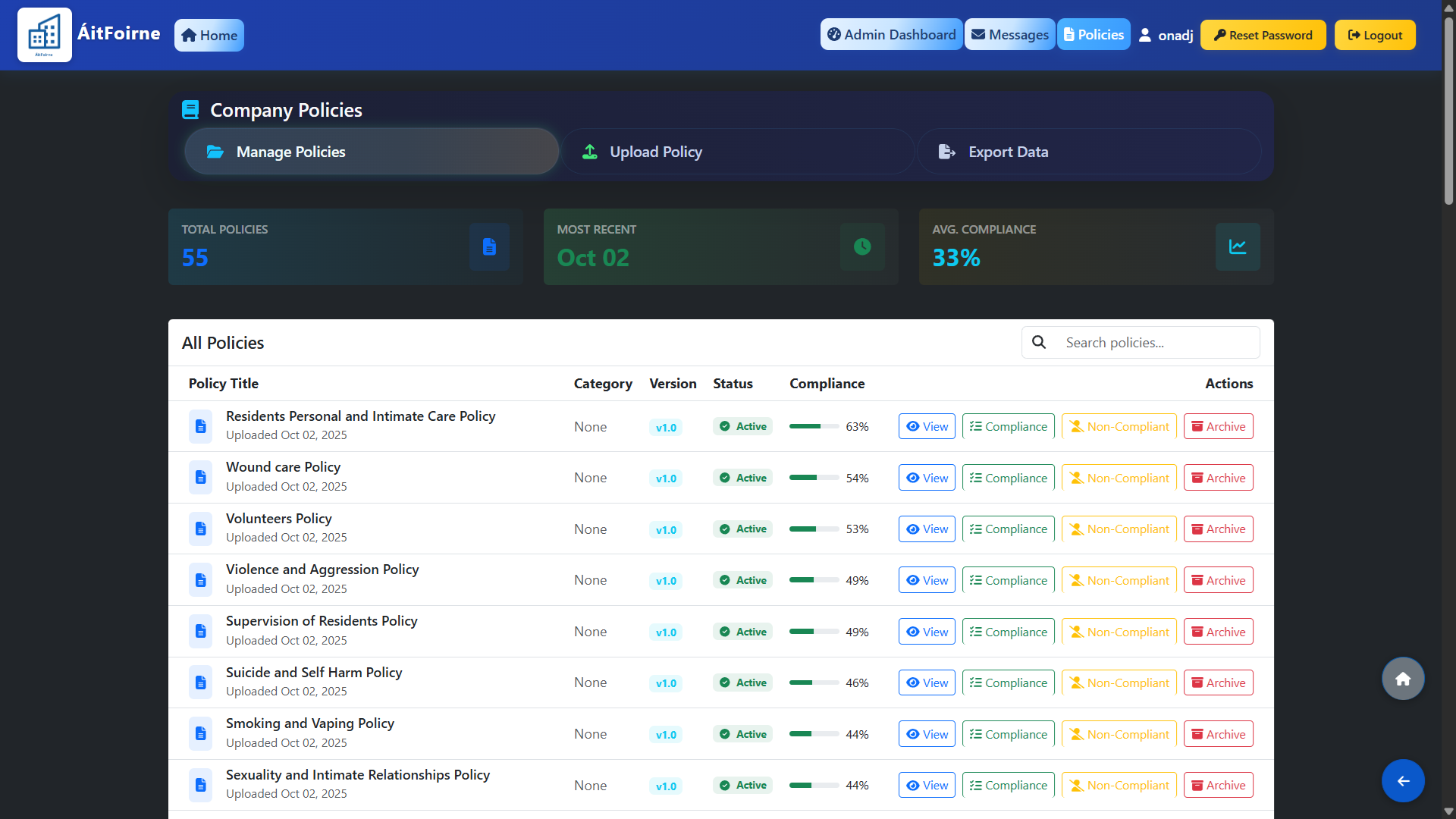
From the main dashboard, go to Company Policies and click Manage Policies. At the top of the page you will see a summary showing the total number of policies uploaded, the most recently added policy and the average compliance rate across all active policies.
All policies are listed below with their title, upload date, category, version, status and current compliance percentage.
Uploading a New Policy
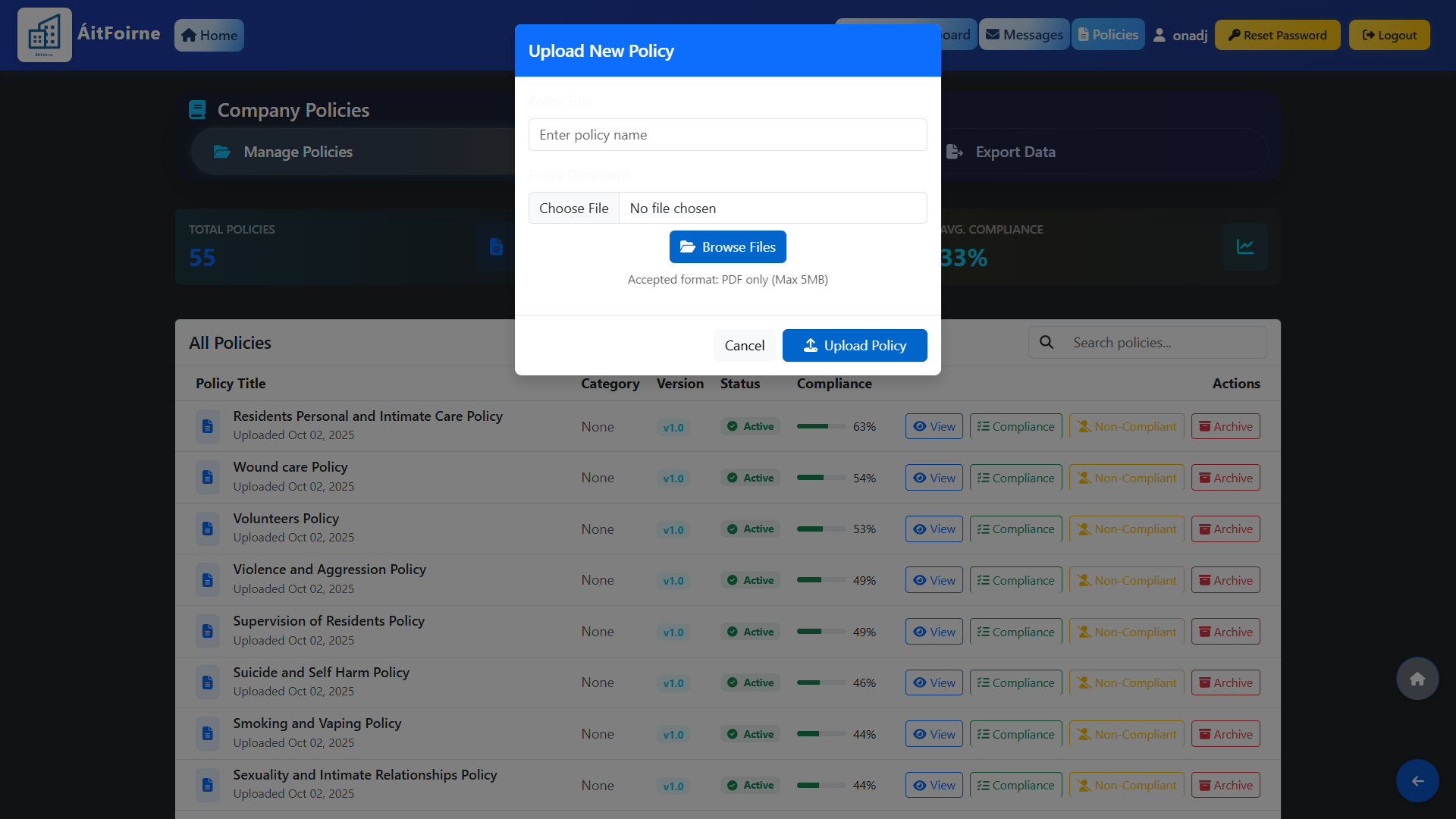
To add a new policy, click Upload Policy. Select the policy file from your device, give it a title and assign a category if applicable. Once uploaded, the policy will be set to Active and will immediately appear in the Policies section of the employee portal, where all staff will be prompted to read and acknowledge it.
Monitoring Compliance
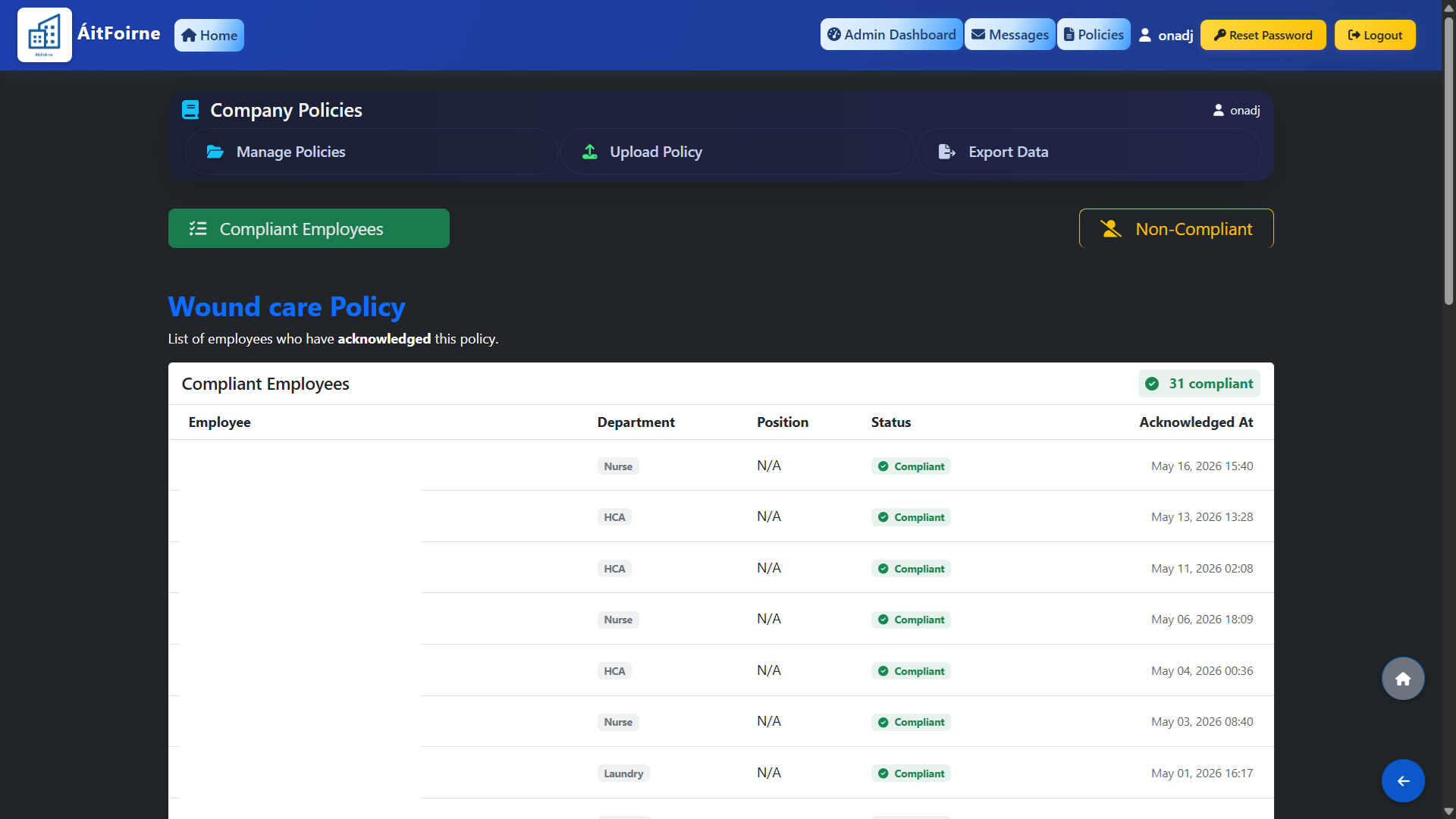
Each policy shows a compliance percentage indicating how many employees have acknowledged it. Click on any policy to see the full breakdown:
- Compliant Employees — staff who have read and acknowledged the policy.
- Non-Compliant — staff who have not yet acknowledged it.
Use this view to follow up with employees who have not yet confirmed compliance. You can also export a full compliance report using the Export Data button at the top of the page.
Archiving a Policy
If a policy is no longer relevant or has been replaced by an updated version, you can archive it.
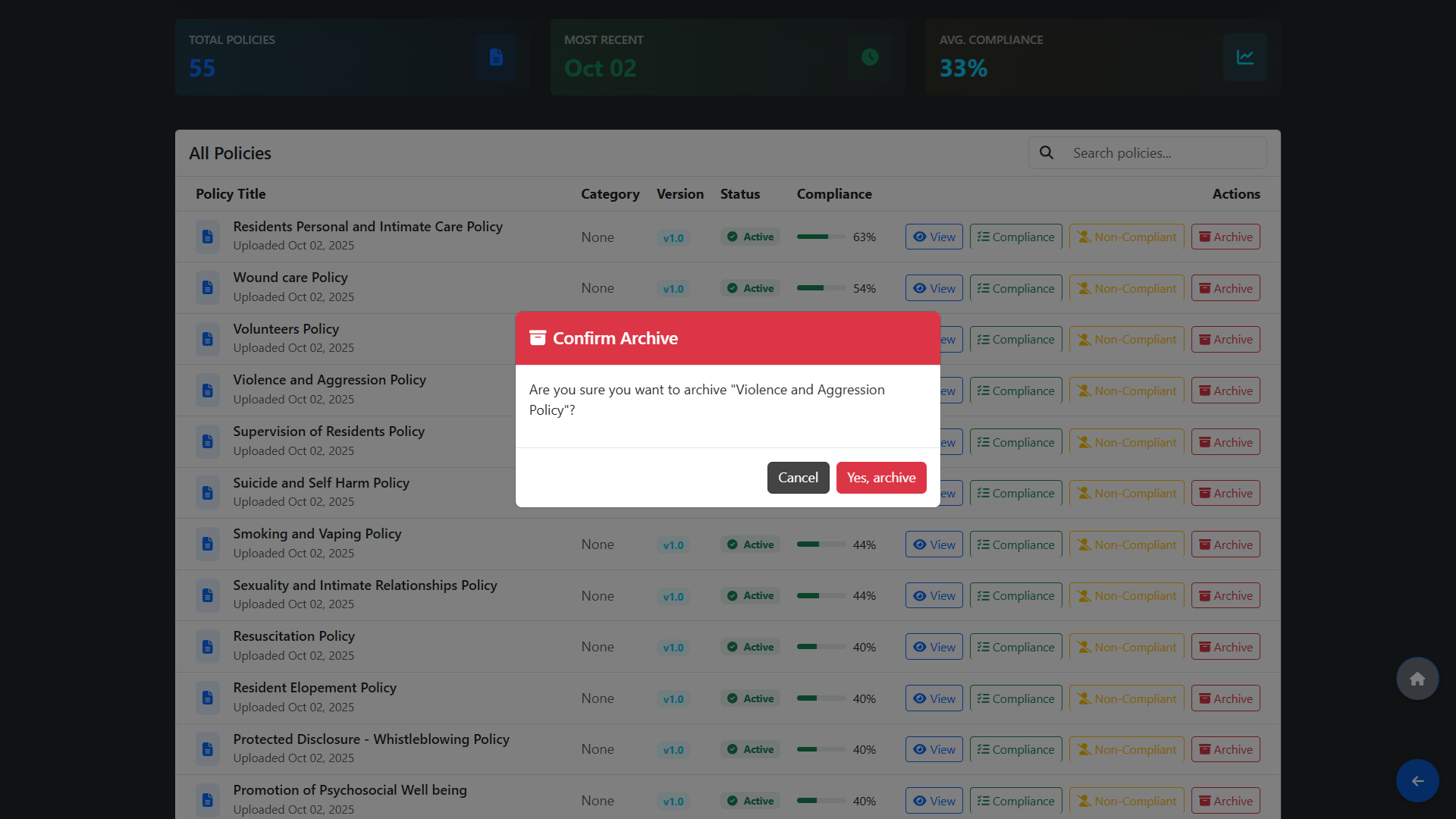
Archived policies are hidden from the employee portal and will no longer be visible to staff. The policy and its compliance history remain on record in the admin view for your reference.
To archive a policy, use the Actions menu on the policy row and select Archive.