The HR Dashboard
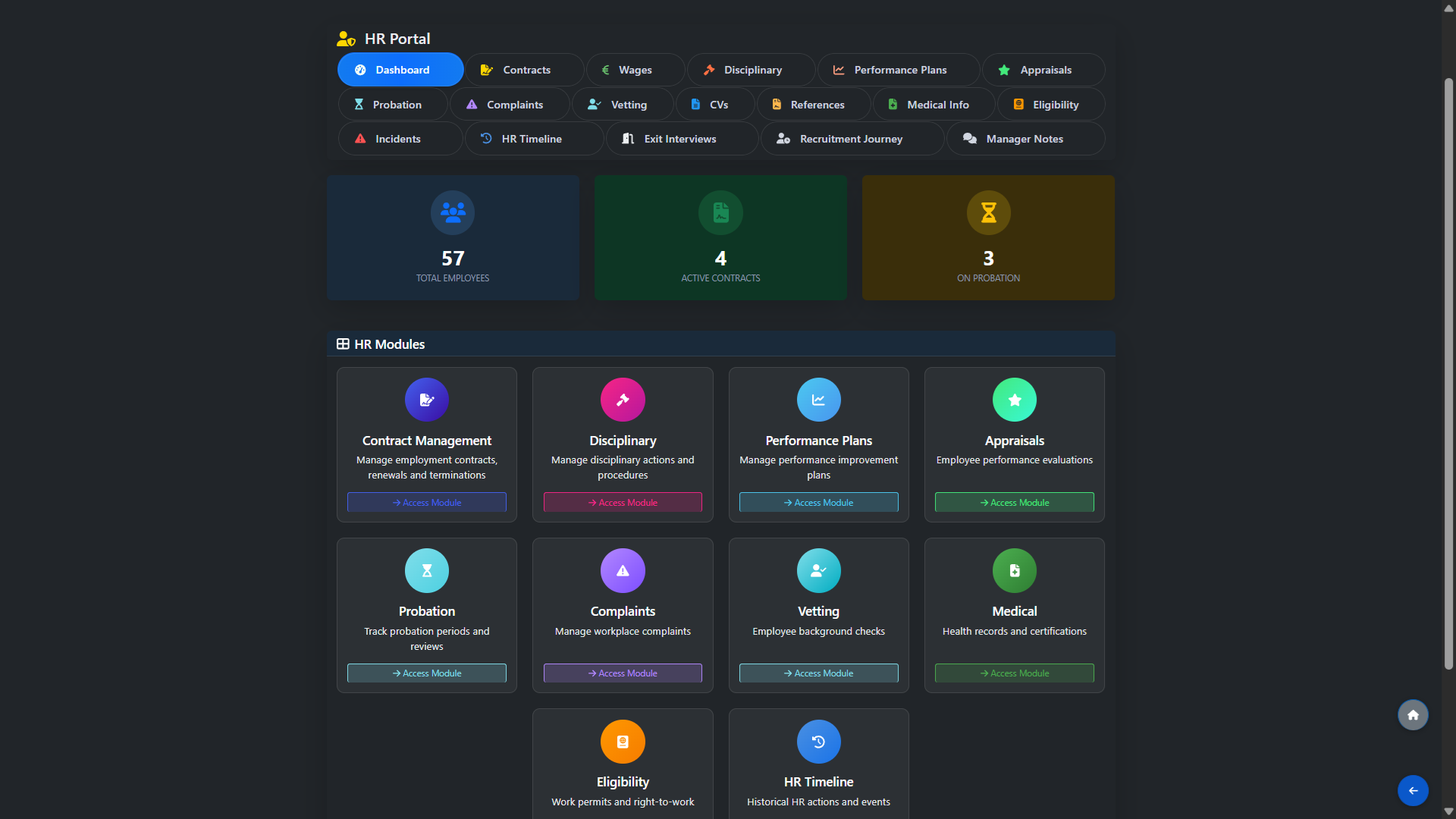
Open the HR Portal from the main dashboard to see a summary of your workforce at a glance, including total employees, active contracts and the number of staff currently on probation. The HR Modules panel provides quick access to every section of the HR system including Contract Management, Disciplinary, Performance Plans, Appraisals, Probation, Complaints, Vetting, CVs, References, Medical Info, Eligibility, Incidents, HR Timeline, Exit Interviews, Recruitment Journey and Manager Notes. Each module is accessible from the top navigation or directly from the dashboard tiles.
Employee Contracts
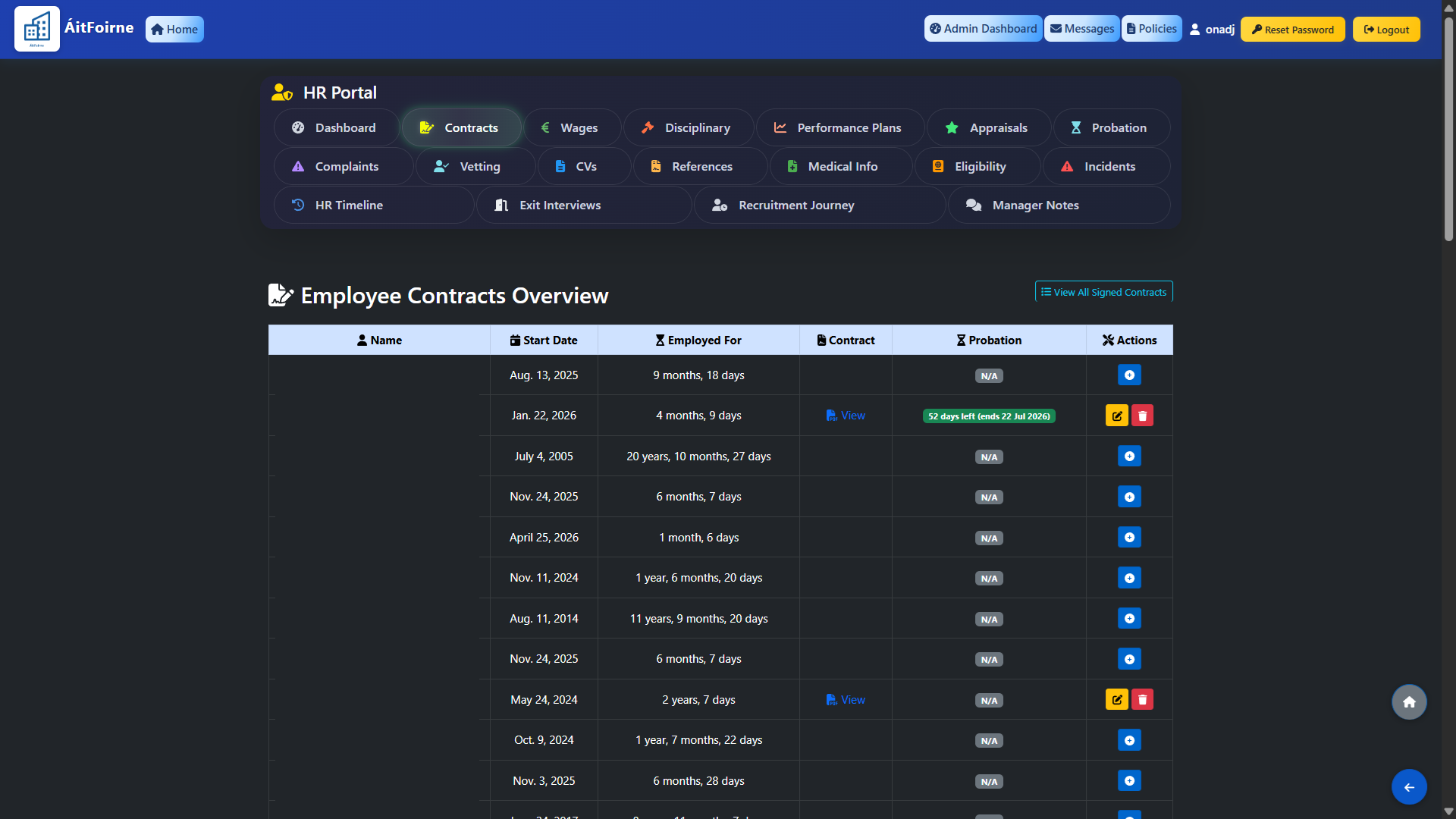
The Contracts section shows an overview of all employees with their start date, length of employment, current contract status and probation period where applicable. Where a contract has been uploaded it can be viewed directly from this screen. Employees without a contract on file are indicated clearly so you can follow up and upload the relevant document. You can also view all signed contracts in one place using the View All Signed Contracts button.