
Opening the Request Center
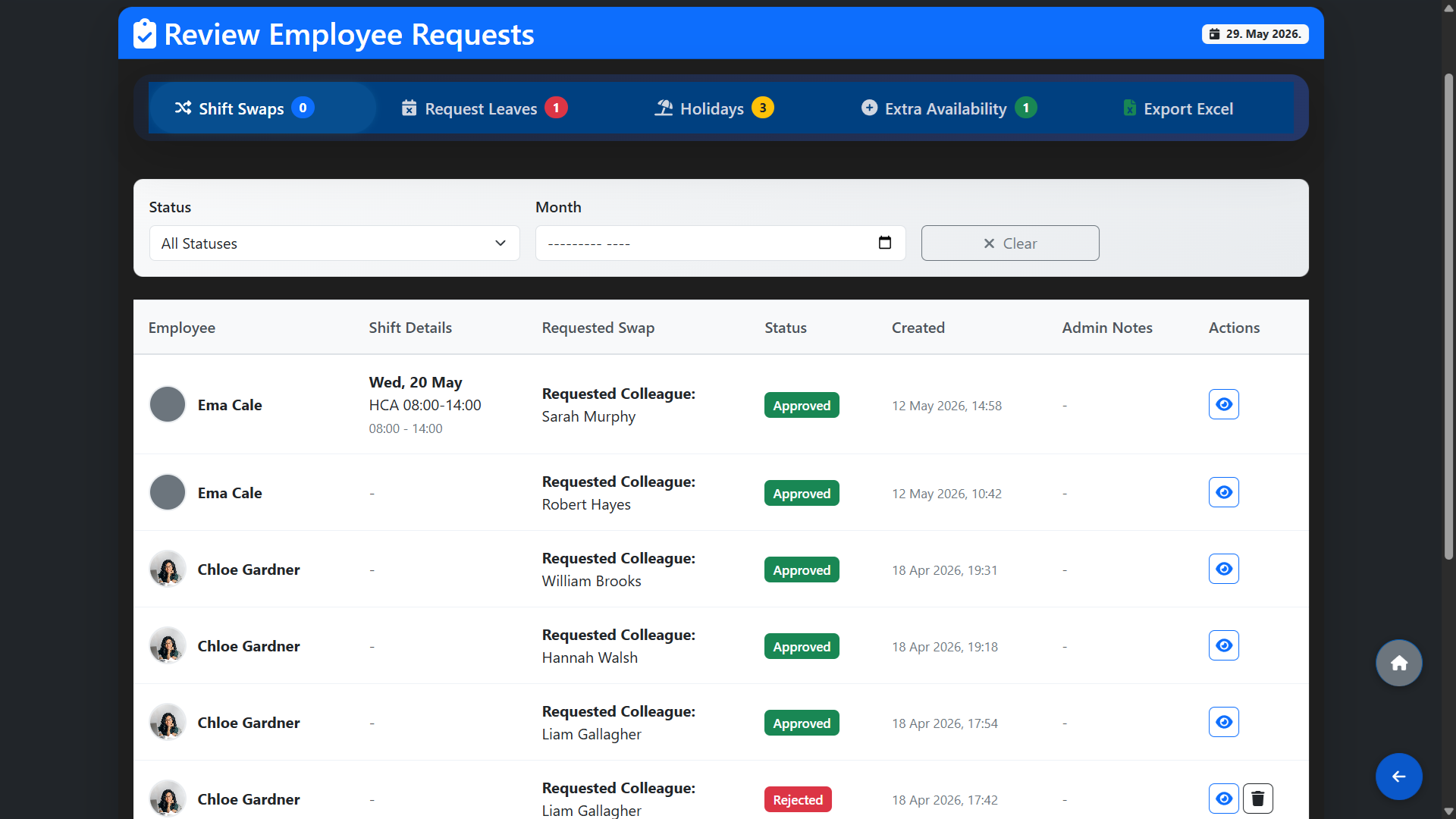
From the main dashboard, click Request Center. You will see all incoming requests grouped into four tabs:
- Shift Swaps — requests from employees who wish to swap a shift with a colleague.
- Request Leaves — requests for a day off or leave period.
- Holidays — annual leave requests submitted by staff.
- Extra Availability — employees who have indicated they are available to work additional hours or an extra day.
Use the Status filter to narrow down by Pending, Approved or Rejected, and the Month filter to view requests for a specific period.
Reviewing a Request
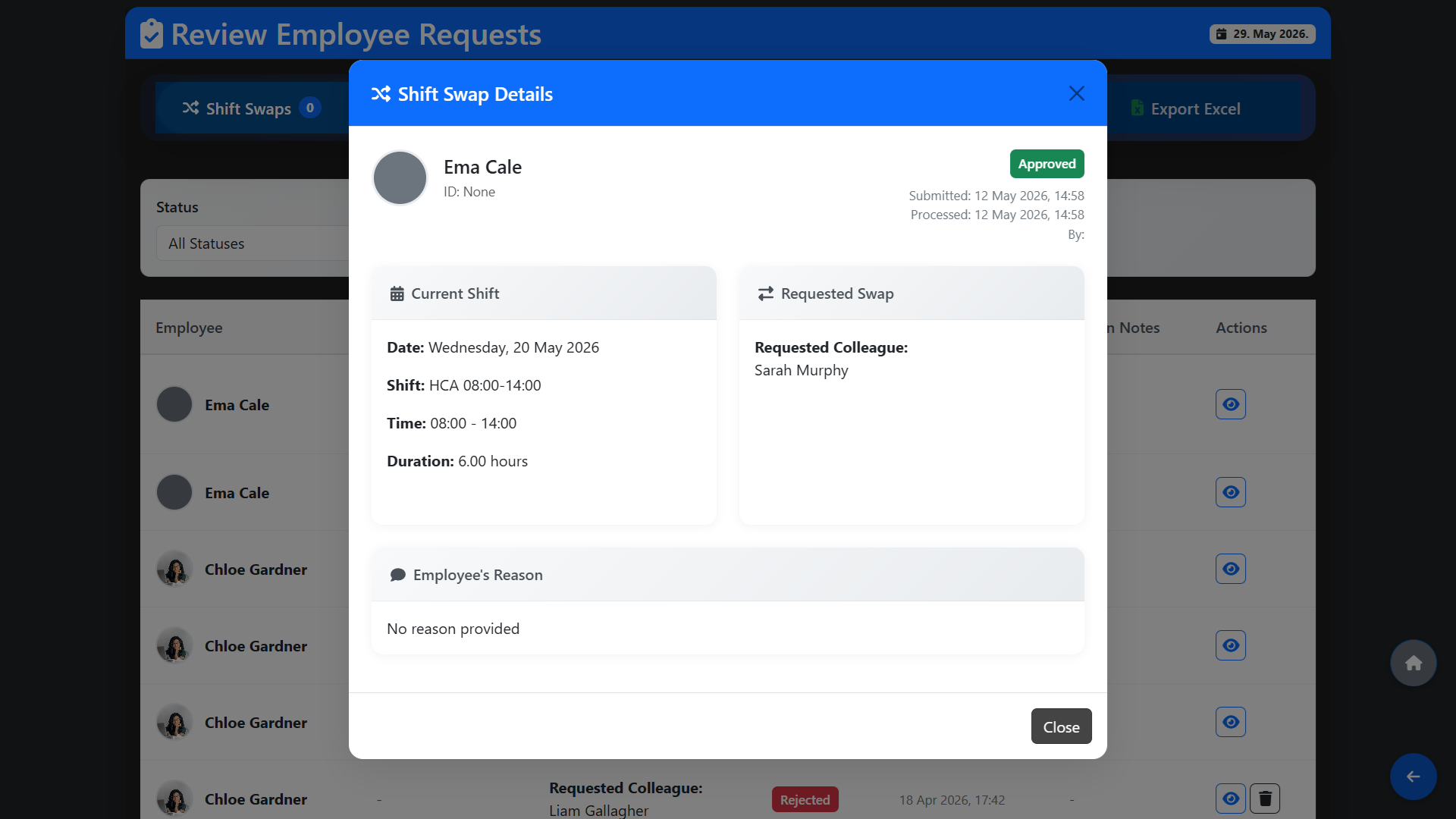
Each request shows the employee name, the shift or date in question, the details of what is being requested, the date it was submitted and its current status. For shift swap requests you will also see the requested colleague and the shift type involved.
Review the details carefully before taking action. You can add an internal admin note to any request for your own reference — this note is not visible to the employee.
Approving or Rejecting a Request
Click Approve or Reject on any pending request. Once you approve a request the following happens immediately:
- The approved leave or day off is recorded against the employee.
- If the employee was already assigned to a shift in the published schedule for that day, their shift will automatically update to show Worker Missing in the Schedule section — clearly marking which shift needs a replacement without requiring you to republish the roster.
- For approved shift swaps, the schedule is updated automatically to reflect the new assignment.
Rejected requests are logged with their status and no changes are made to the schedule.