Opening the Workplace Feed
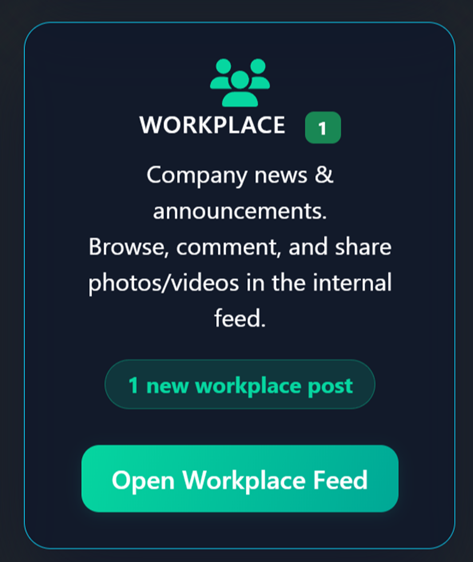
The Workplace widget appears on the employee portal dashboard showing the latest post count and a notification badge when new posts have been published. Click Open Workplace Feed to view the full feed.
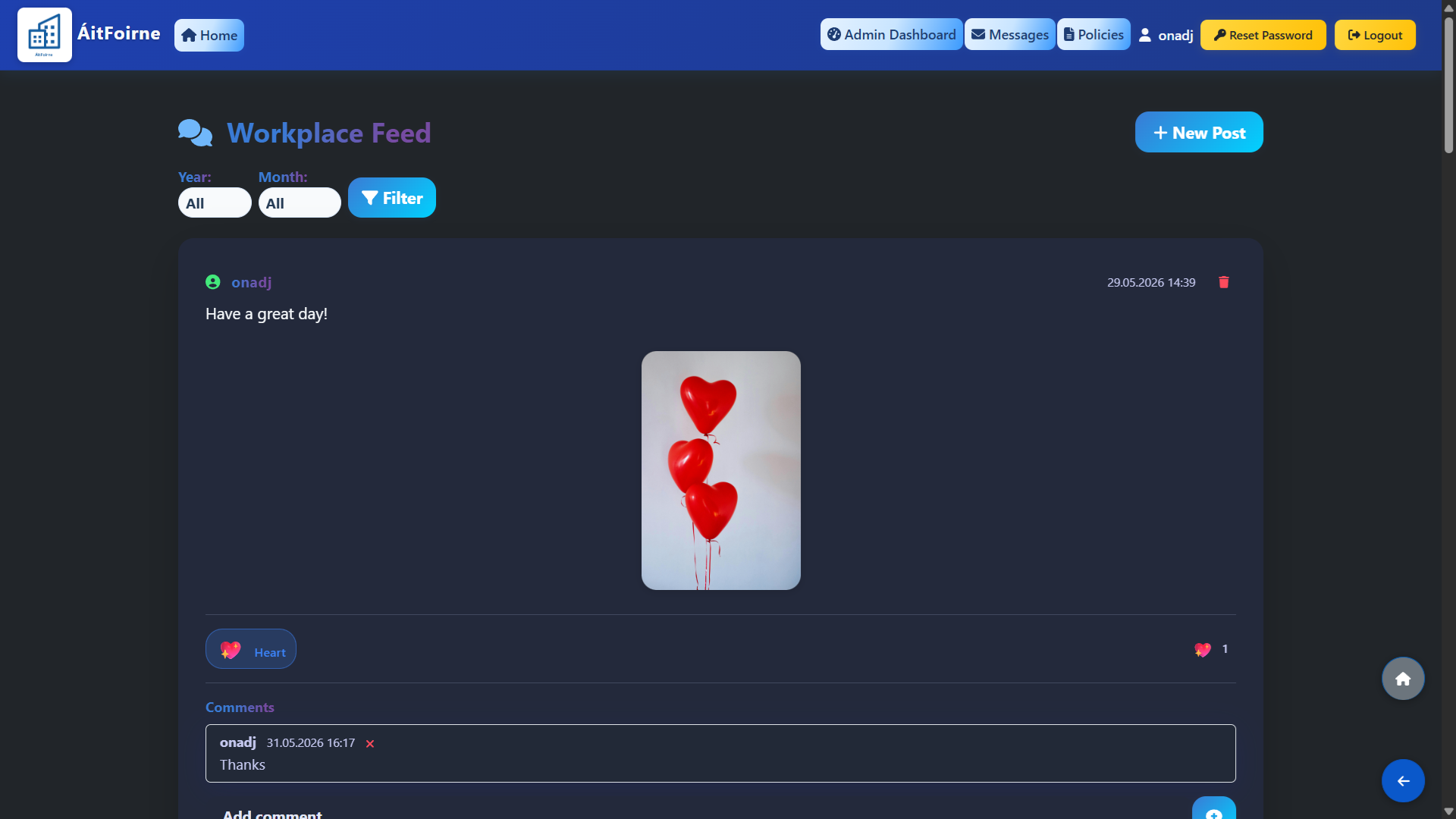
The feed displays all posts in chronological order with the newest at the top. Each post shows the author's name, date and time, the message content and any attached photos or videos. Employees can like a post and leave comments directly below it. Every new post triggers a notification for all staff on their employee portal, ensuring no one misses an important update.
Creating a New Post
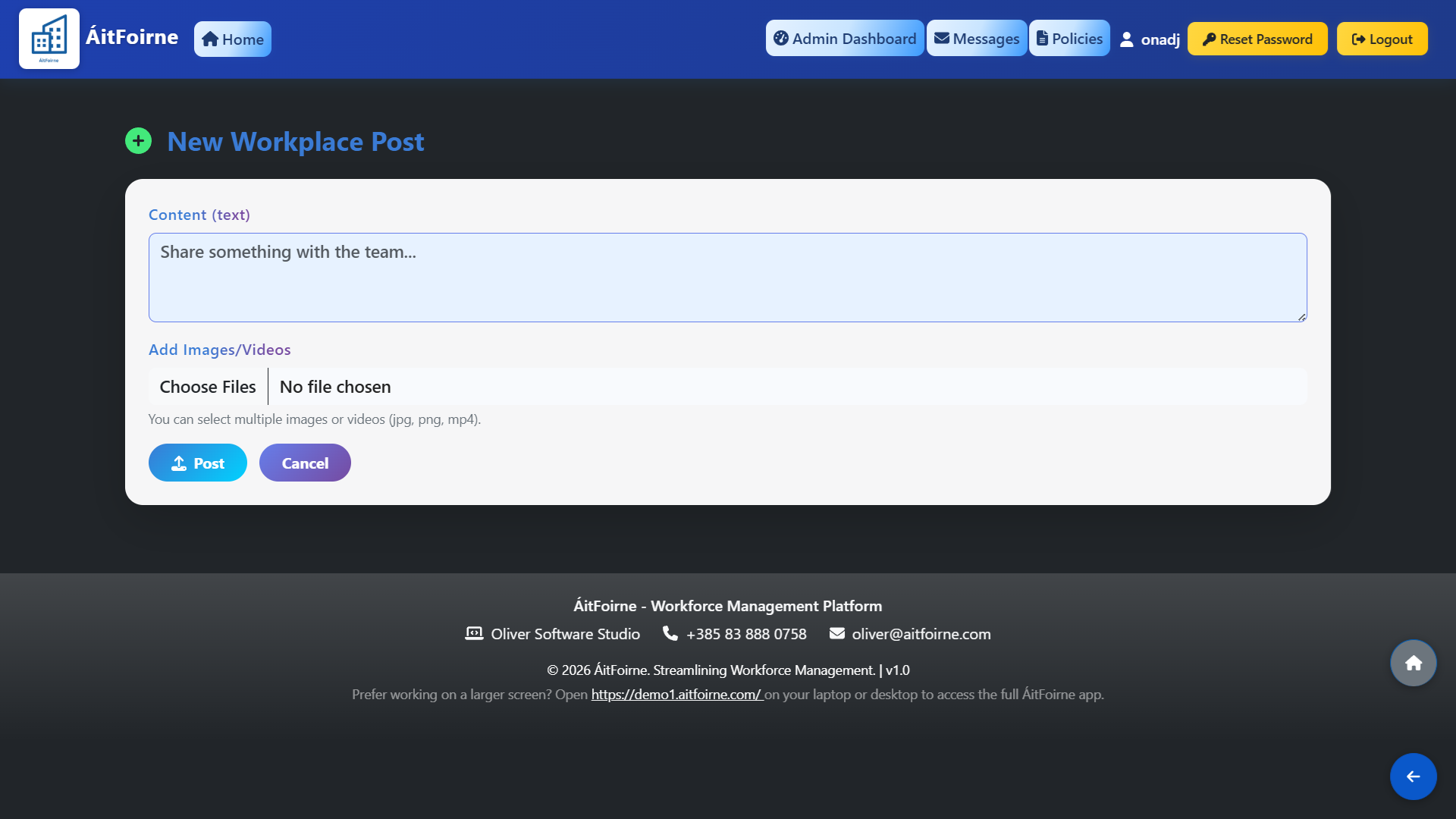
Admins and managers can create posts from the admin side. Employees can also post from their employee portal feed. To create a new post, click New Workplace Post and fill in the following:
- Content — write your message. This can be an announcement, a reminder about an upcoming training, a birthday congratulation, a recognition award, an event notice or anything you want to share with the team.
- Add Images/Videos — optionally attach one or more images or videos (jpg, png, mp4). Multiple files can be selected at once.
Click Post to publish. The post will appear immediately in the feed for all staff and they will receive a notification on their employee portal. If an employee creates a post, the admin will also be notified so they can review it.
Engaging with Posts
Any post in the feed can be liked or commented on by all staff. Click Like to react to a post — the total number of likes is shown next to the button. Click Comments to expand the comment section and add a response. This allows the team to interact, celebrate milestones together and acknowledge important notices — all without leaving the ÁitFoirne platform.