
ÁitFoirne

Employee Portal

Surveys

Your manager may occasionally publish surveys to gather feedback from staff. Participating in surveys helps your organisation improve working conditions and communication.

Last updated 29 May 2026

Completing a Survey

From your dashboard, click Surveys. Any active surveys assigned to you will be listed here. Click on a survey to open it, answer the questions and submit your response. Completed surveys will no longer appear in your list. Your responses may be anonymous depending on how the survey was set up by your manager.
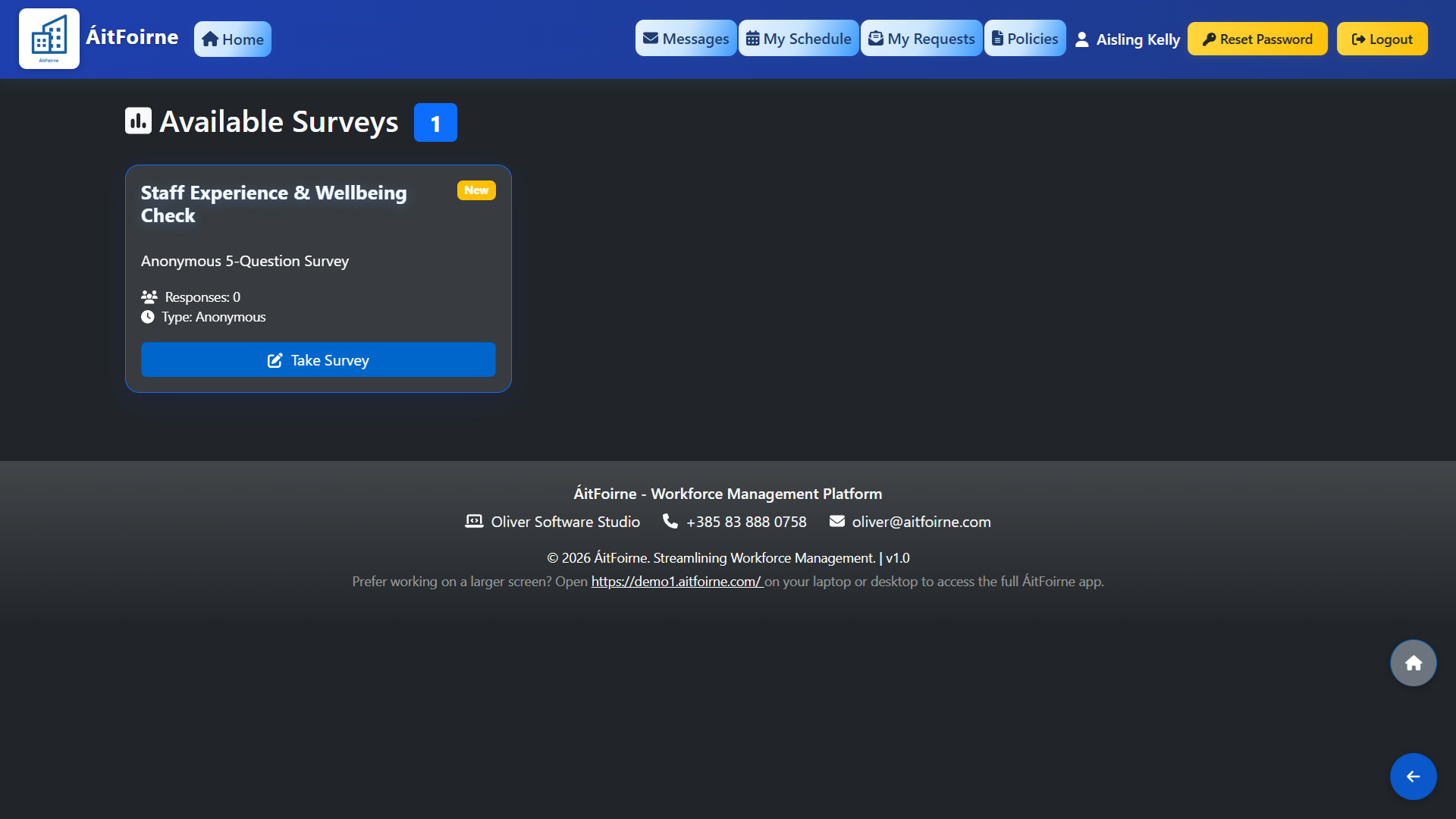
Completing a Survey
Completing a Survey
Back to Employee Portal All Help Centre topics

Still need help?

Contact ÁitFoirne support and tell us what you are trying to do. We will point you to the right guide or walk through it with you.

Contact support
Back to top