Configuring Rounding Rules
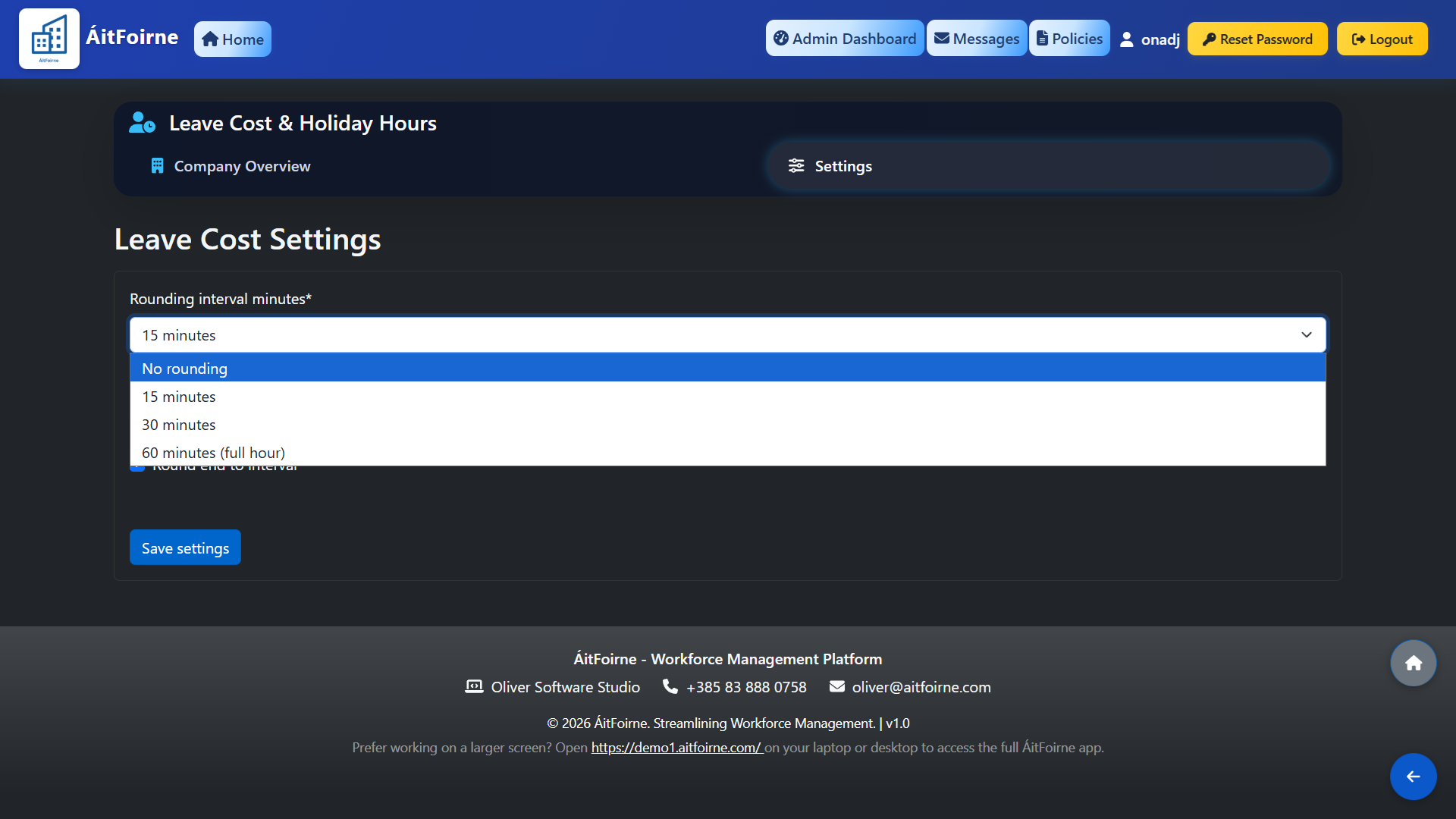
From the Leave Cost & Holiday Hours page, click Settings. The following options are available:
- Rounding Interval Minutes — sets the interval used to round worked hours. The default is 15 minutes, meaning clock times are rounded to the nearest 15-minute mark before calculations are applied.
- Round start to schedule — when enabled, the clock-in time is rounded to the scheduled shift start time rather than the actual clock-in time. This prevents early arrivals from inflating worked hours.
- Round end to interval — when enabled, the clock-out time is rounded to the nearest rounding interval set above.
Click Save Settings when done. These settings apply to all employees and all future calculations.