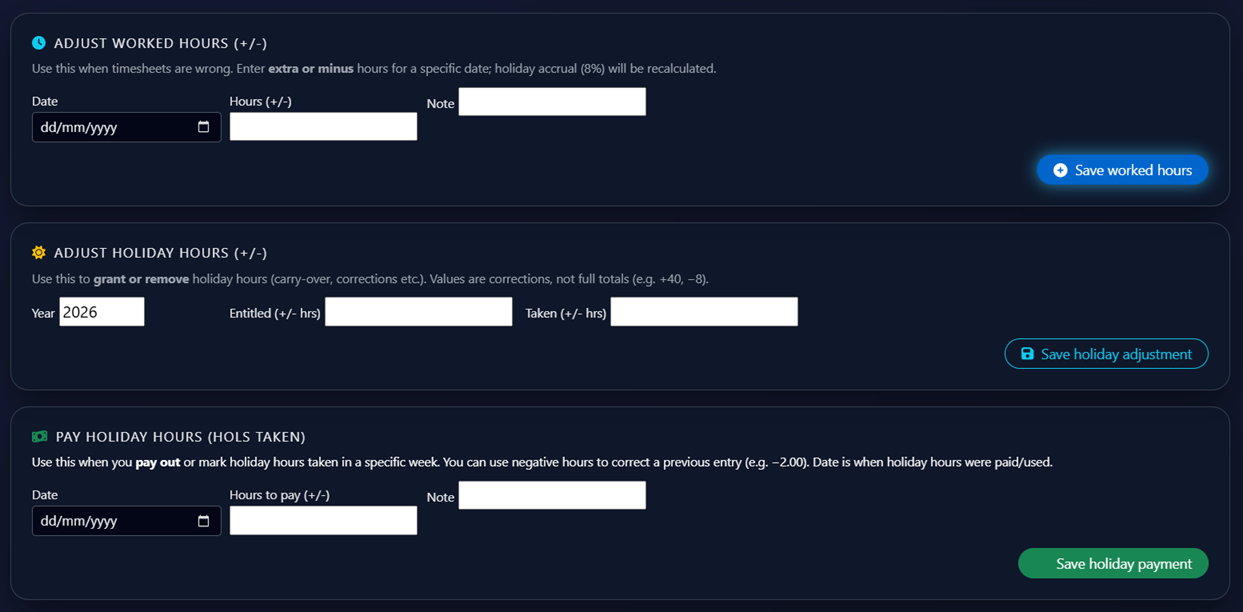
Adjust Worked Hours
Use Adjust Worked Hours (+/-) when a timesheet entry is wrong and needs to be corrected. Enter the date, the number of hours to add or subtract (e.g. +2.00 or -1.50) and an optional note explaining the reason. Holiday accrual at 8% will be automatically recalculated based on the corrected hours. Click Save Worked Hours to apply the change.

Adjust Holiday Hours
Use Adjust Holiday Hours (+/-) to manually grant or remove holiday hours from an employee's balance — for example to apply a carry-over from a previous year or correct an error. Enter the year, the number of entitled hours to add or remove and the number of taken hours to adjust if needed. These are correction values, not full totals — for example entering +40 will add 40 hours to the existing balance. Click Save Holiday Adjustment to apply.