
ÁitFoirne

Employee Portal

Breaks / Check In

The Breaks section allows you to log your work breaks during the day and view your daily break history.

Last updated 29 May 2026

Starting and Finishing a Break

From your dashboard, click Breaks / Check In. Use this section to start a break when you step away from work and finish it when you return. Your break durations are recorded automatically. You can view a log of all your breaks for the current day in this section.
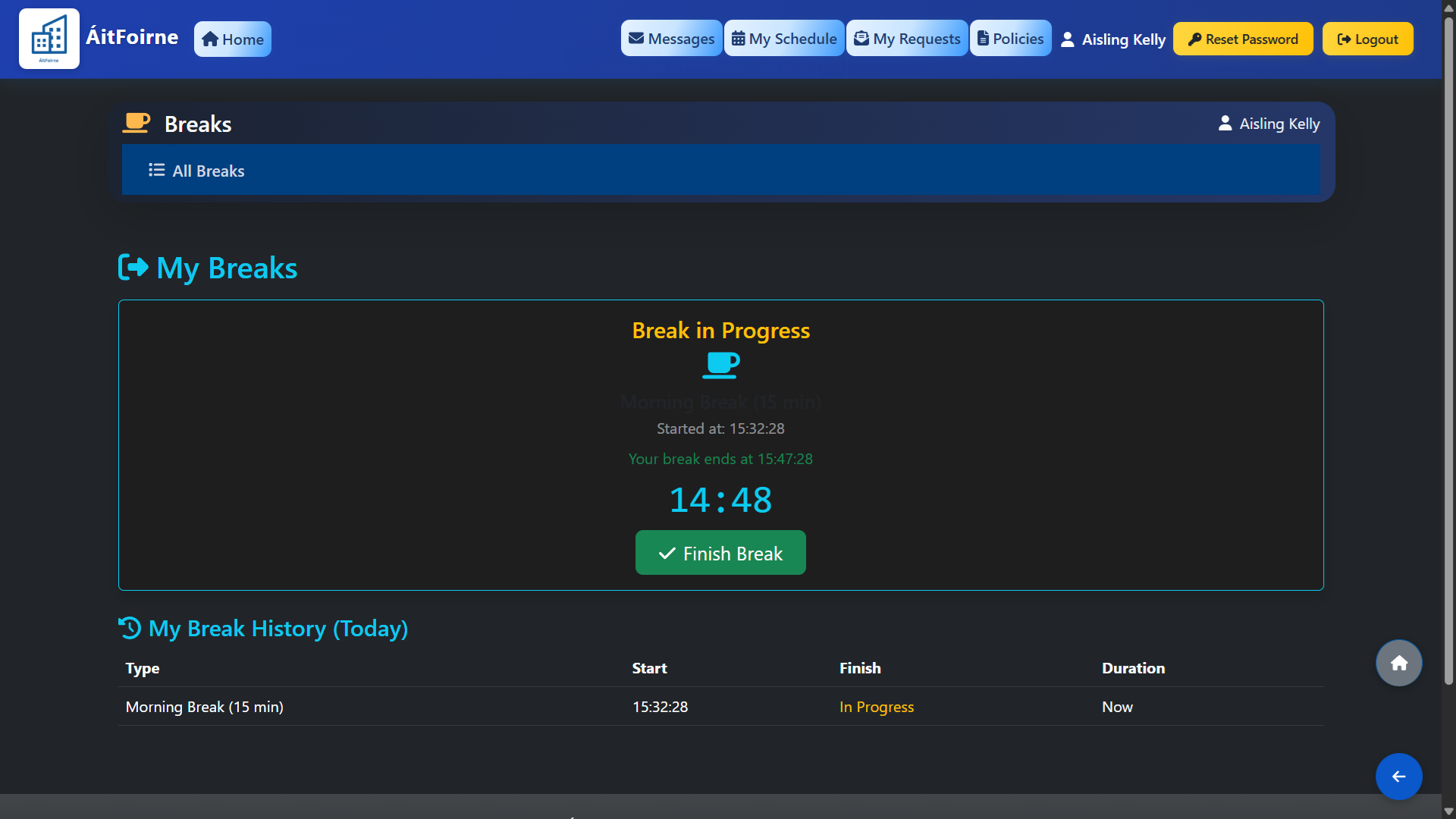
Starting and Finishing a Break
Back to Employee Portal All Help Centre topics

Still need help?

Contact ÁitFoirne support and tell us what you are trying to do. We will point you to the right guide or walk through it with you.

Contact support
Back to top