
ÁitFoirne

Employee Portal

Maintenance Tasks

Use the Maintenance Tasks section to report a fault or issue at the facility and to view any maintenance tasks that have been assigned to you.

Last updated 29 May 2026

Reporting an Issue or Completing a Task

From your dashboard, click Maintenance Tasks. To report a new issue, click Report a Problem, describe the fault and add a photo if available. Your report will be sent to the maintenance team for review. If you have been assigned a maintenance task, it will appear in your list — open the task to view the details, add comments or photos and mark it as complete when the work is done.
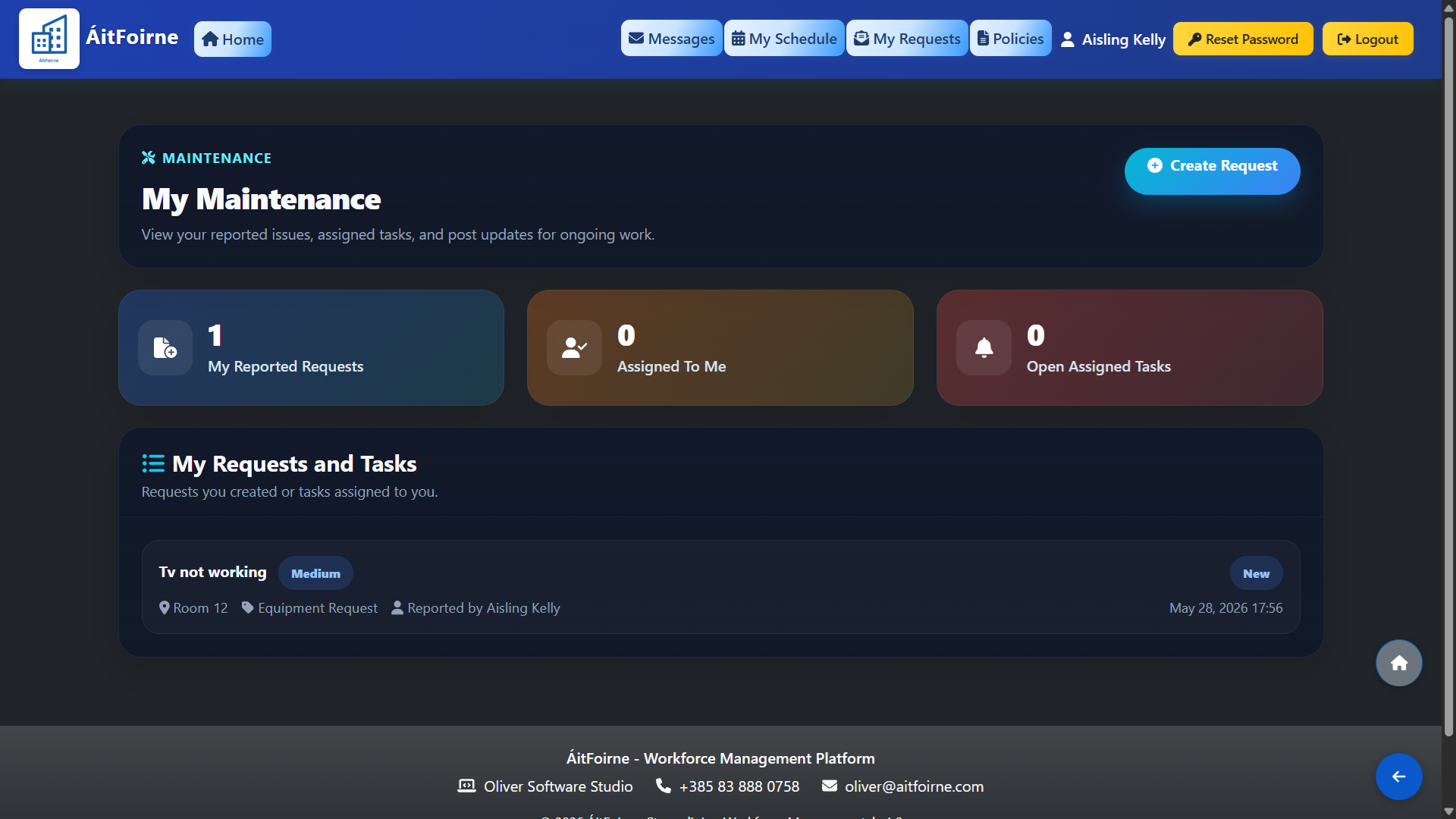
Reporting an Issue or Completing a Task
Back to Employee Portal All Help Centre topics

Still need help?

Contact ÁitFoirne support and tell us what you are trying to do. We will point you to the right guide or walk through it with you.

Contact support
Back to top