
ÁitFoirne

Employee Portal

My Audit Tasks

If your manager has assigned you a compliance or audit action task, it will appear here. Completing your tasks on time helps maintain high standards across the facility.

Last updated 29 May 2026

Completing an Audit Task

From your dashboard, click My Audit Tasks. Any tasks assigned to you will be listed with a description and deadline. Open a task, follow the instructions provided and mark it as complete when done. If you are unsure about a task, contact your manager for guidance.
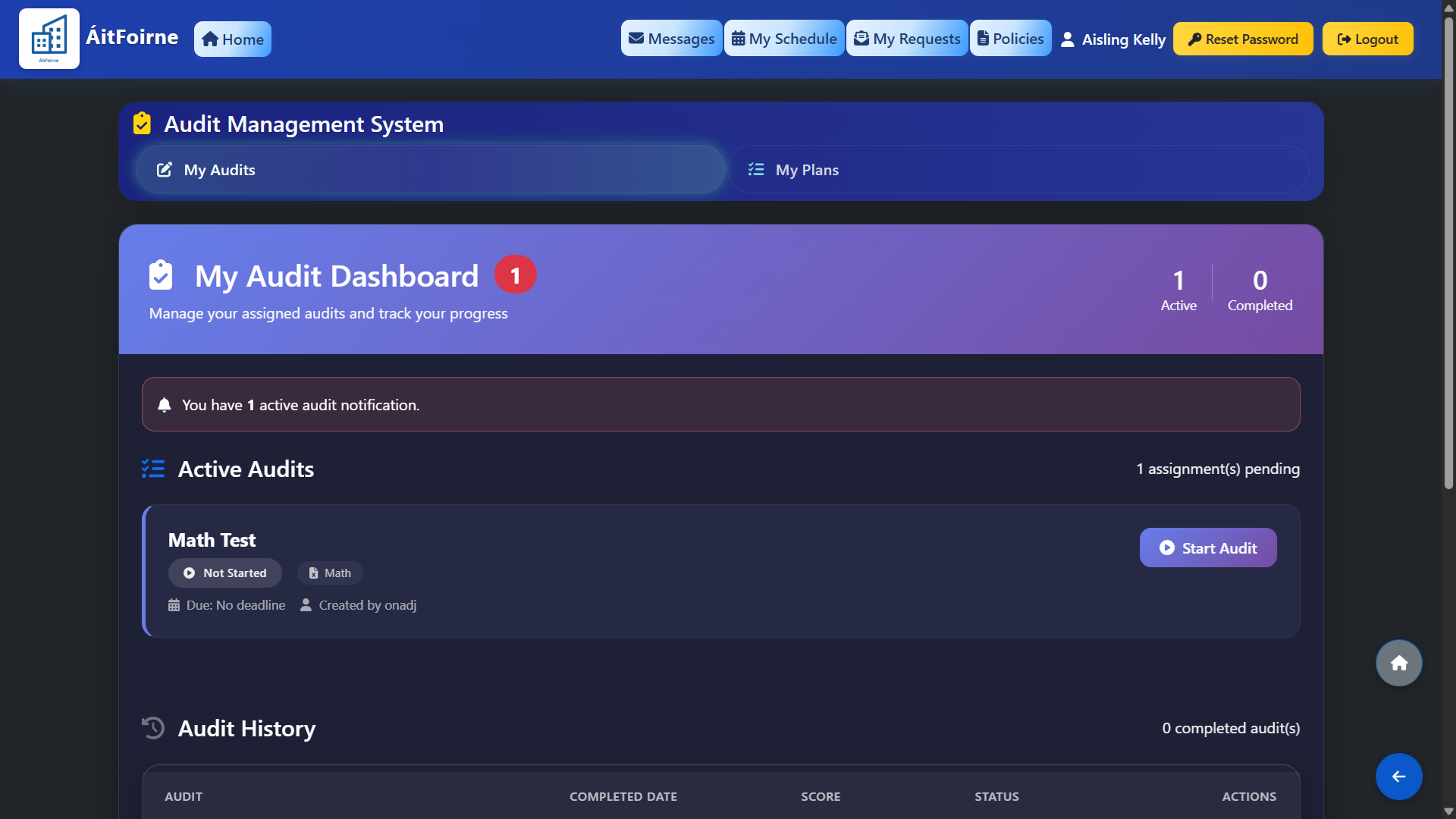
Completing an Audit Task
Back to Employee Portal All Help Centre topics

Still need help?

Contact ÁitFoirne support and tell us what you are trying to do. We will point you to the right guide or walk through it with you.

Contact support
Back to top